Turn a civic portal into a more direct service gateway.
Durham residents needed a more direct way to reach high-demand services without parsing a heavy government website.

A civic UX/UI redesign for myDurham 311, focused on service discovery, payment paths, responsive behavior, and resident-first navigation.
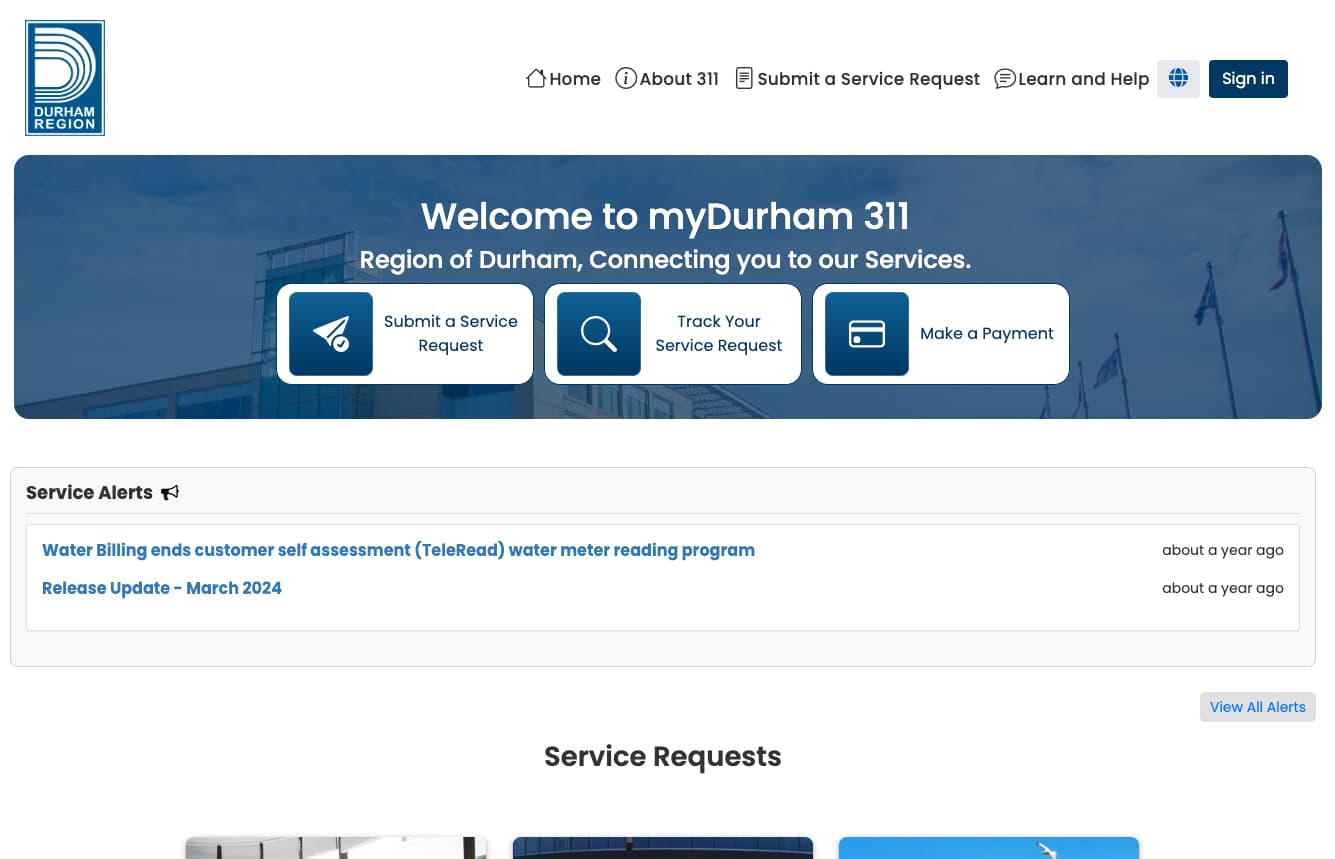
Durham residents needed a more direct way to reach high-demand services without parsing a heavy government website.
The work focused on homepage hierarchy, service request entry points, payment paths, mobile behavior, and reusable UI patterns.
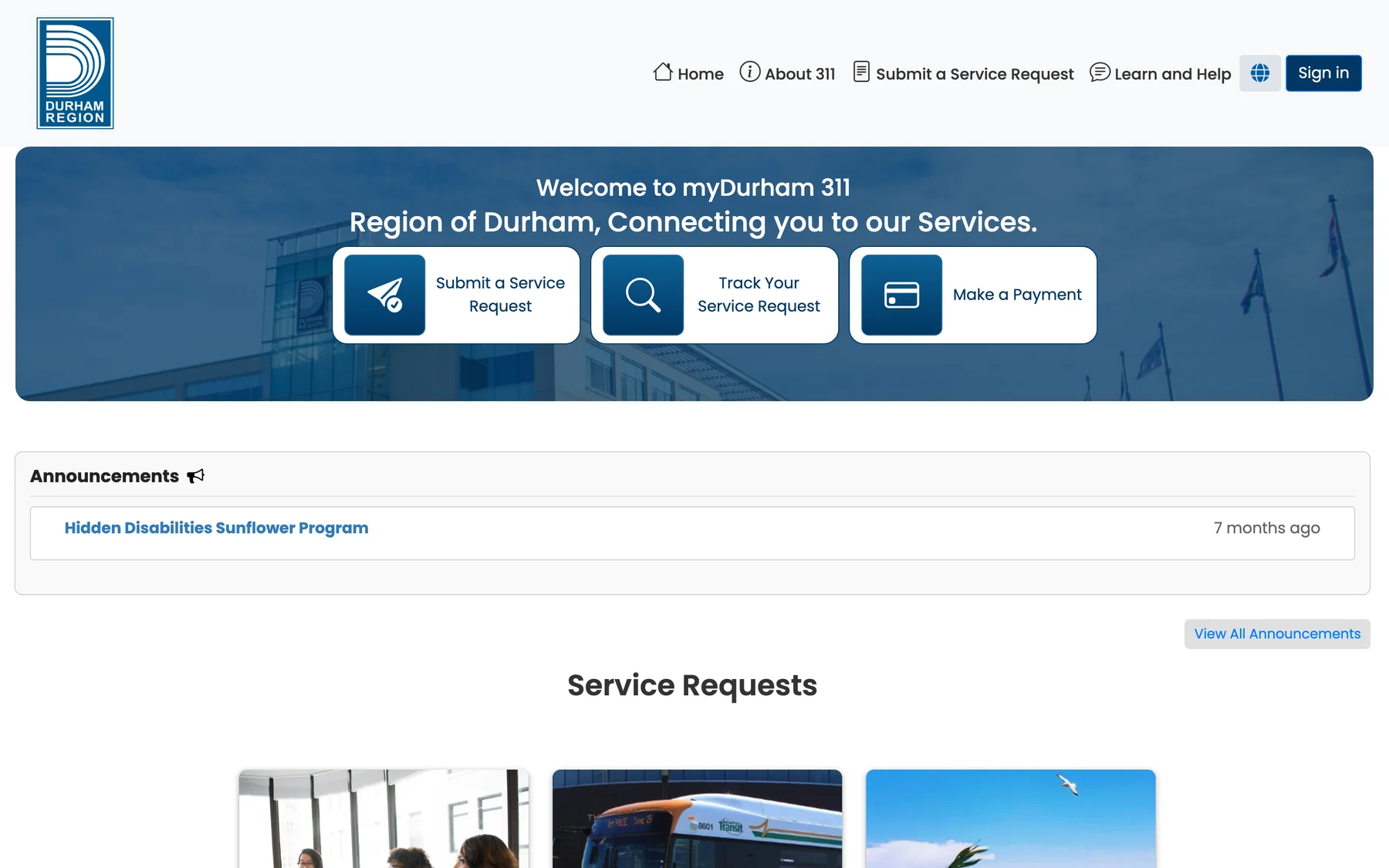
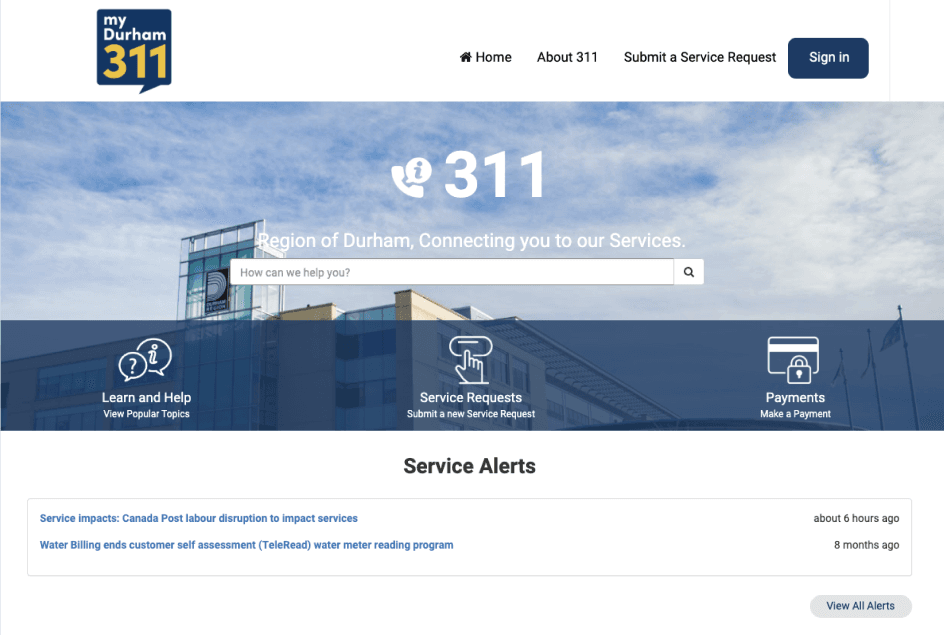
The redesign shifted the page from a search-heavy municipal landing page into a resident task hub with three obvious starting points.
The sitemap clarified how broad civic categories could connect to high-demand request paths without making users understand internal departments first.
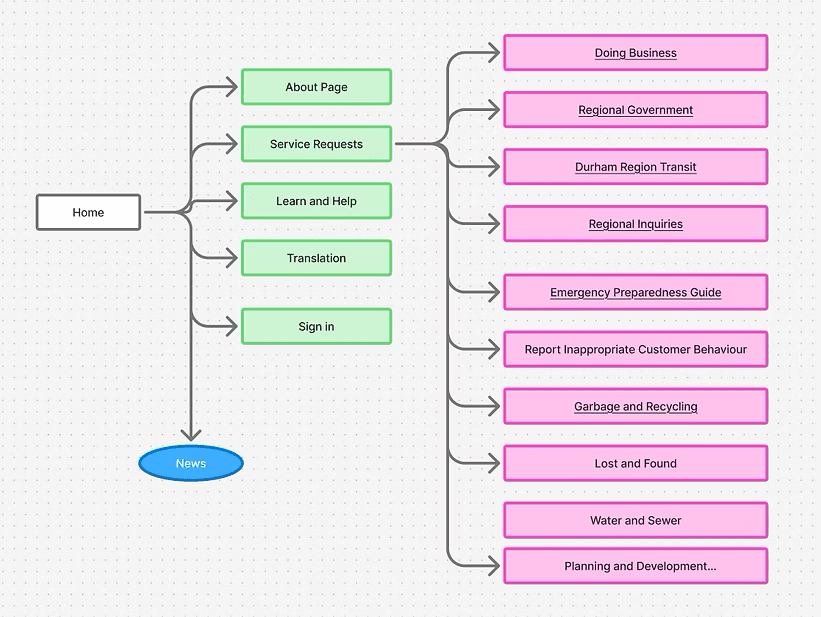
High-frequency categories like transit, water, garbage, and regional inquiries sit behind a task-led service request model.
Residents arrive with jobs to finish, not a department chart. The entry points lead with submit, track, and pay before the site asks users to choose a civic category.
Large targets and high-contrast states make the interface usable in rushed, mobile, or low-vision contexts.
Requests, payments, and alerts are recoverable from multiple moments, so users can return to the task instead of restarting.
The same service model carries from desktop to mobile, preserving labels, priority actions, and content order across breakpoints.
The page system treats requests, tracking, and payment as sibling journeys, each with a direct entry point and supporting explanation.
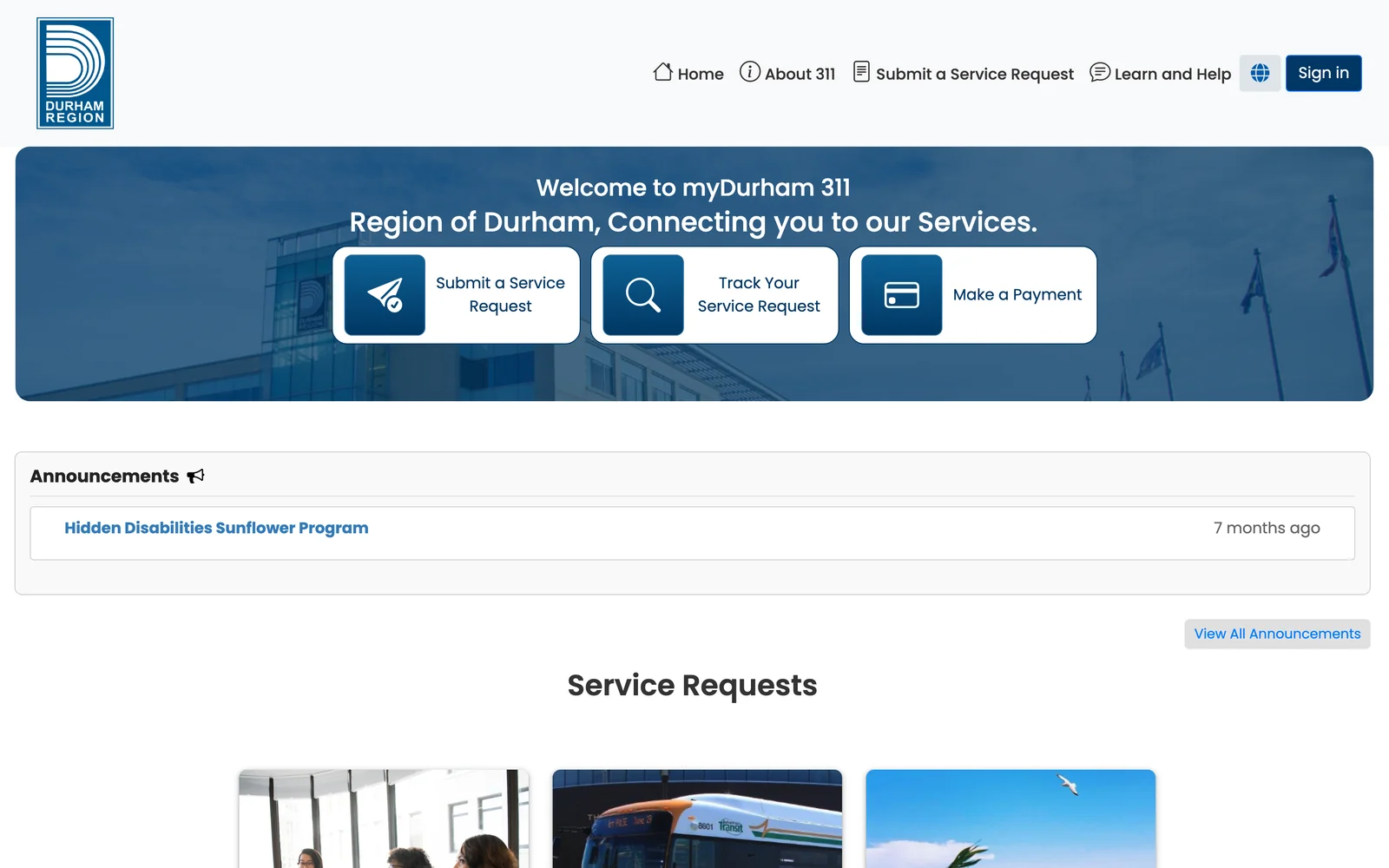
Three starting points before any search box. Submit, track, and pay sit on the hero as equal cards, so residents act before they read.
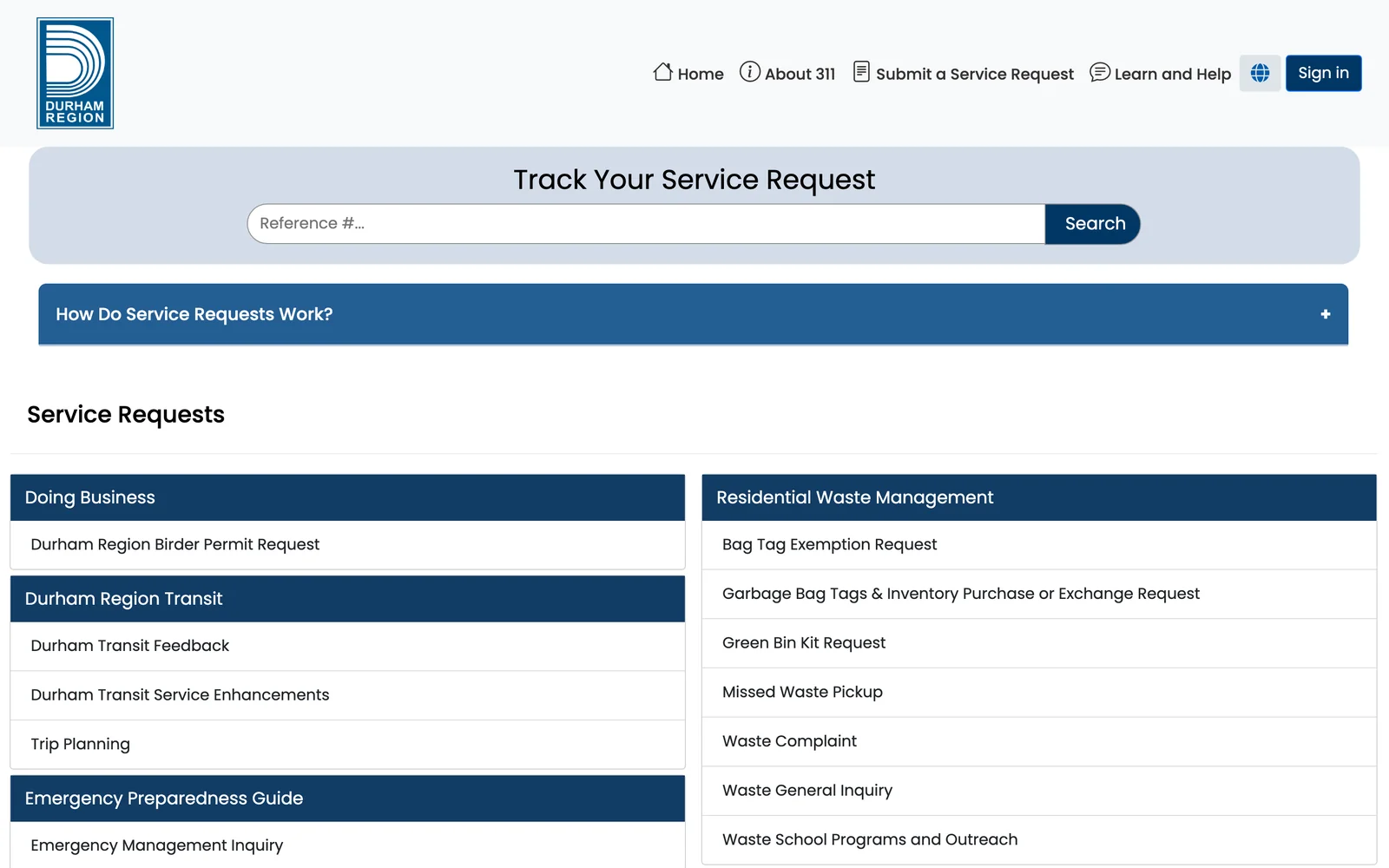
Tracking sits above the catalog. A reference-number tracker leads the requests page; categories are grouped by what residents need, not by department.
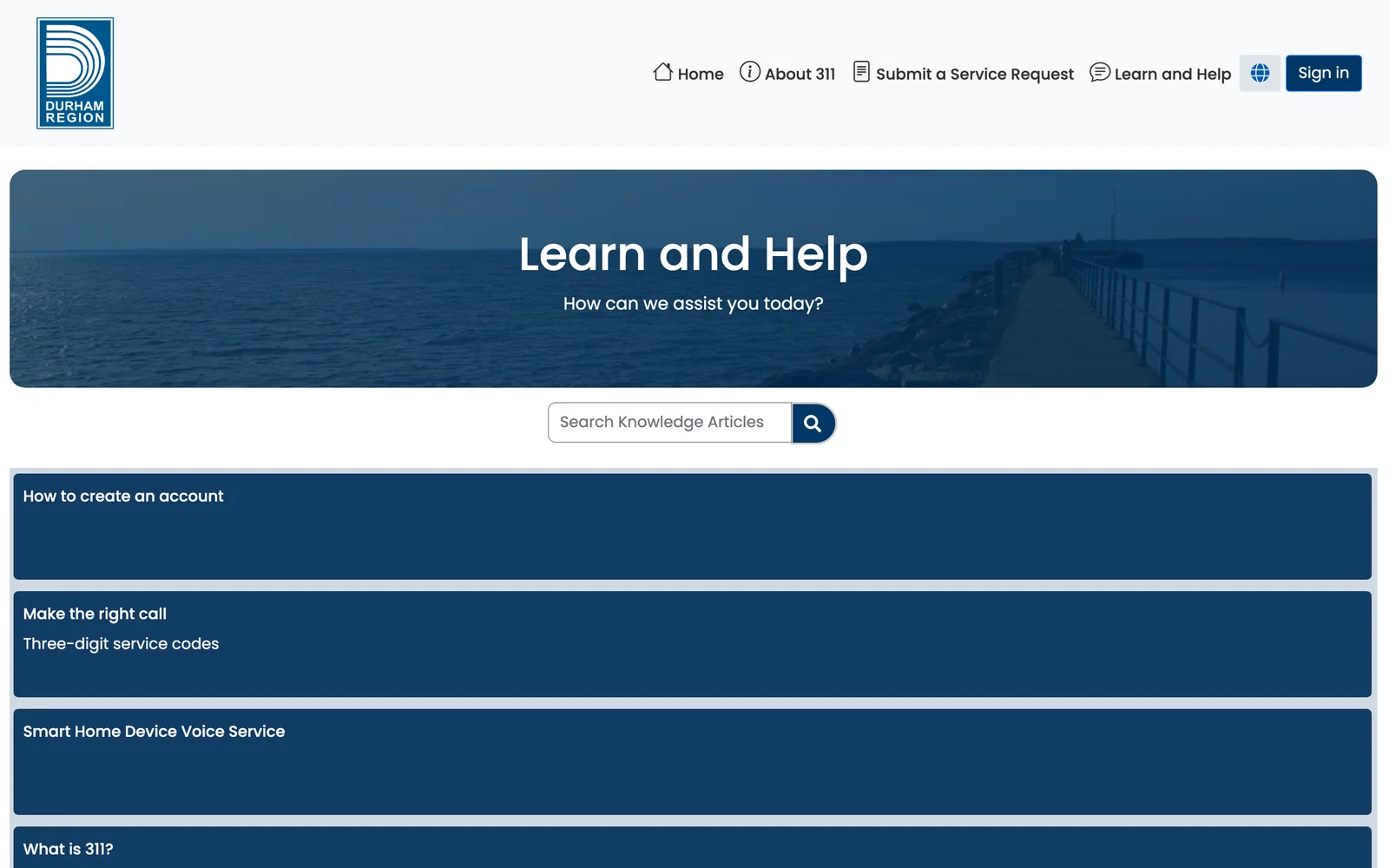
Help is a page, not a search result. Popular topics and guidance are organized so the answer is one scan away, with the same header actions in reach.
Mobile and compact desktop states preserved the same service hierarchy, reducing the chance that residents would lose their place between devices.
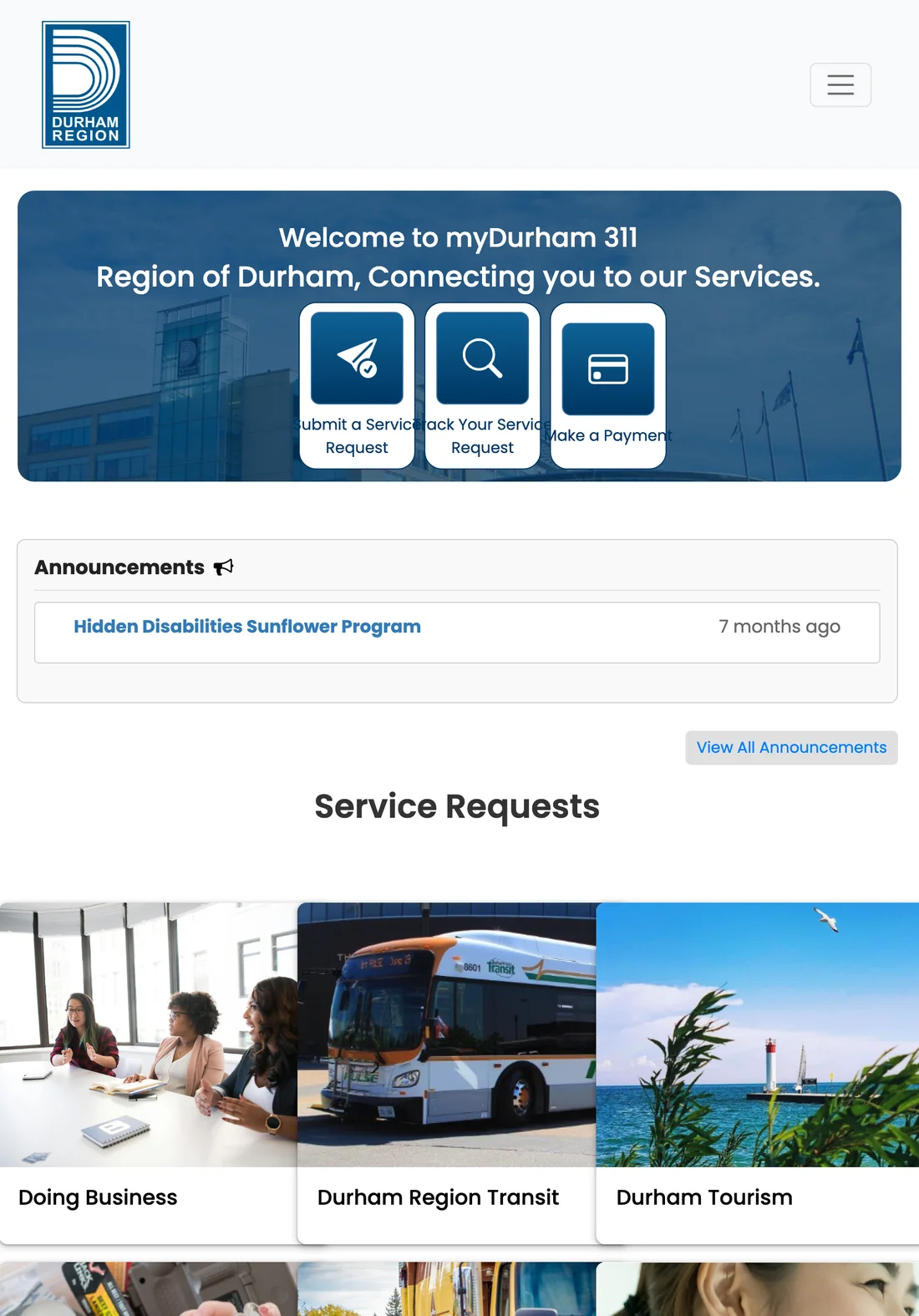
Same hierarchy, narrower canvas. The three actions and the announcements keep their order at tablet width.
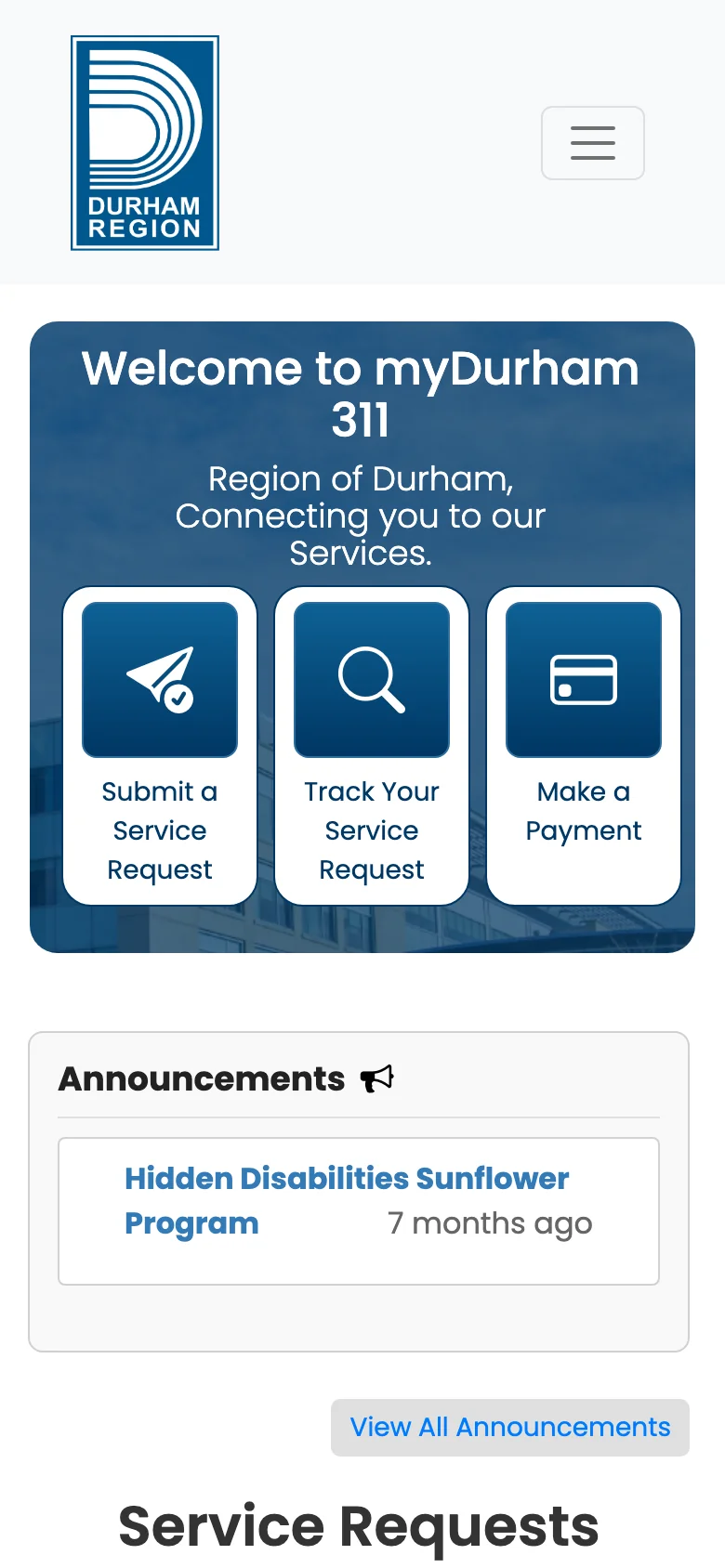
Actions stay first on a phone. Hero actions become three tall tiles; announcements and requests follow in the same sequence.
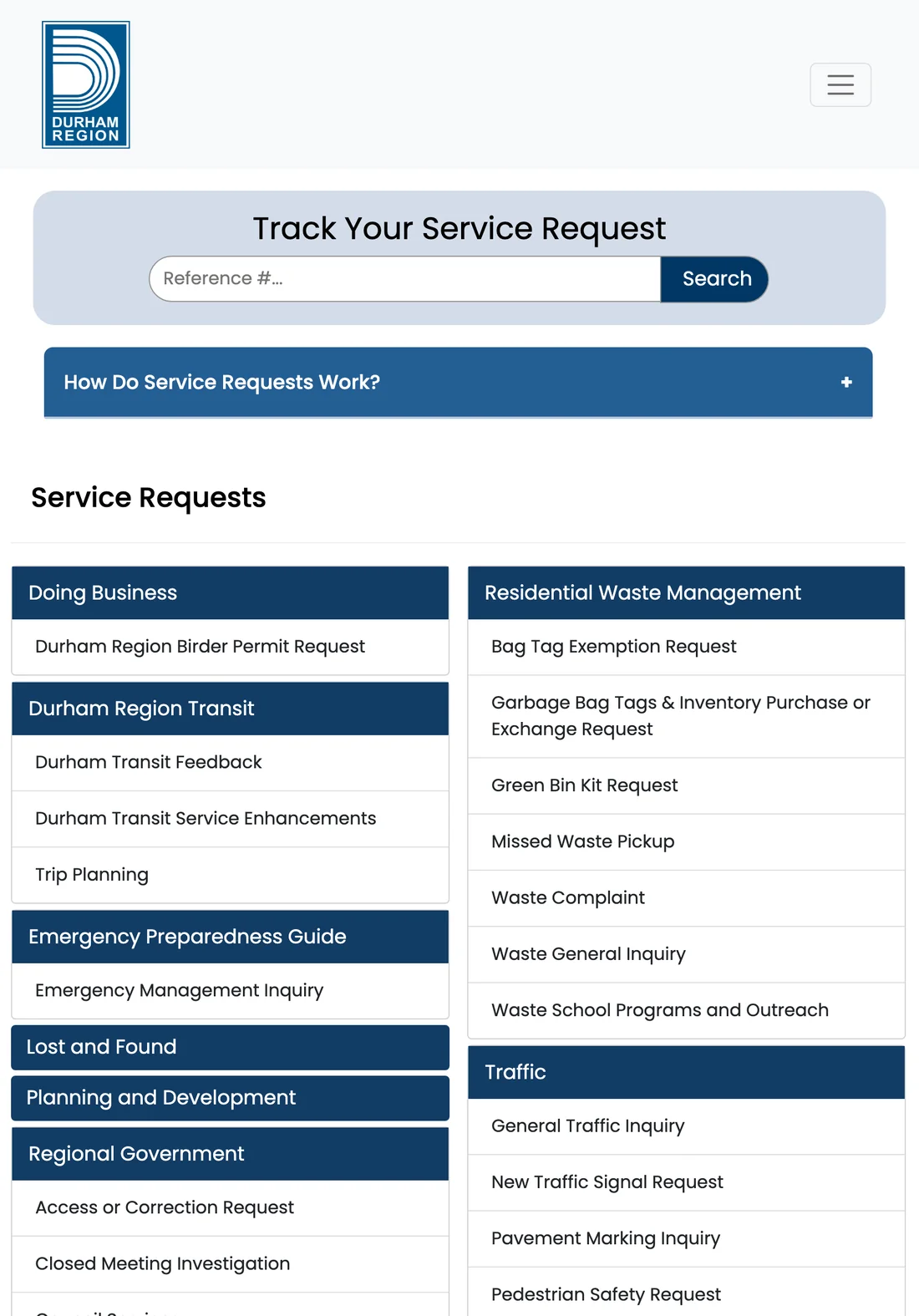
Categories reflow without renaming. The tracker stays first; category groups collapse to two columns with the same labels.
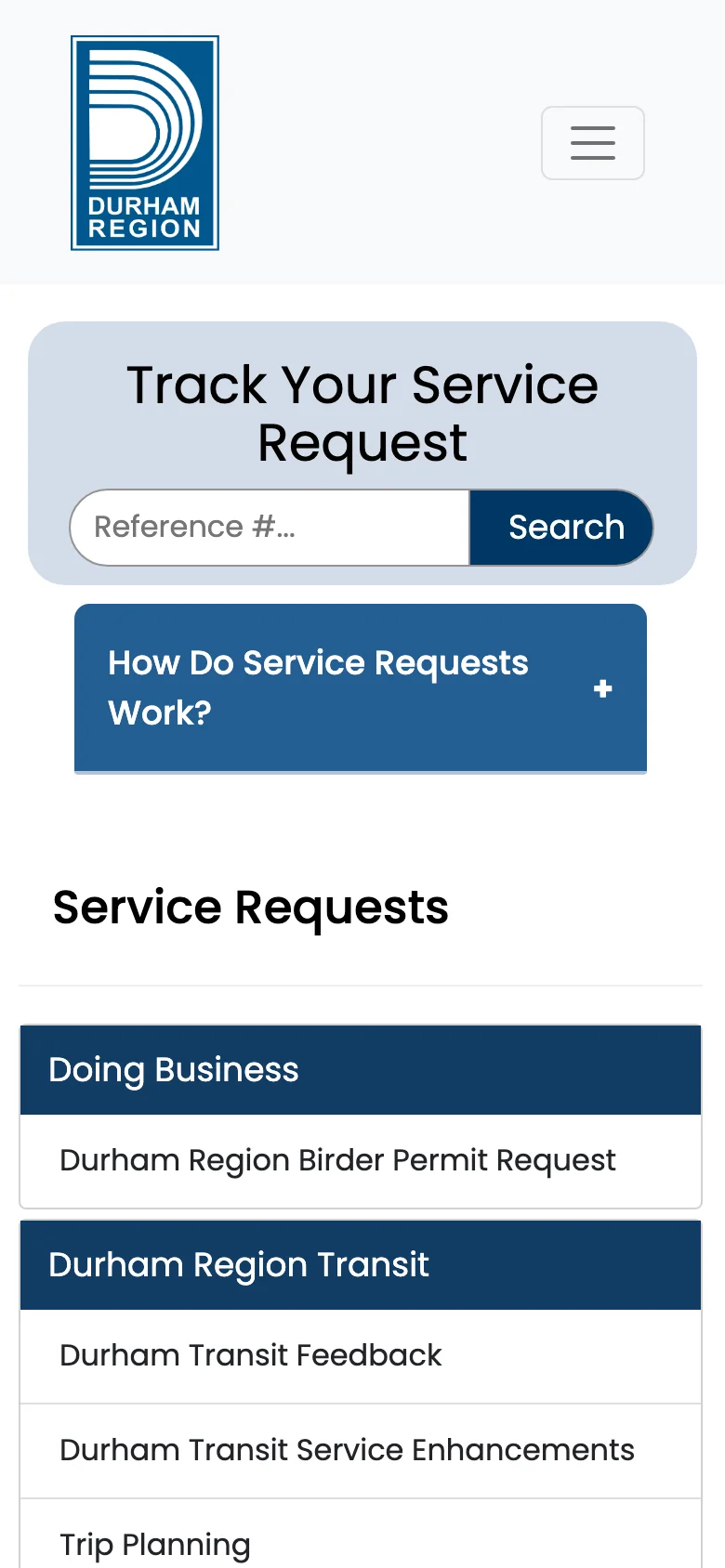
The tracker remains one tap away. Categories stack into a single column; the reference-number search keeps the top position.
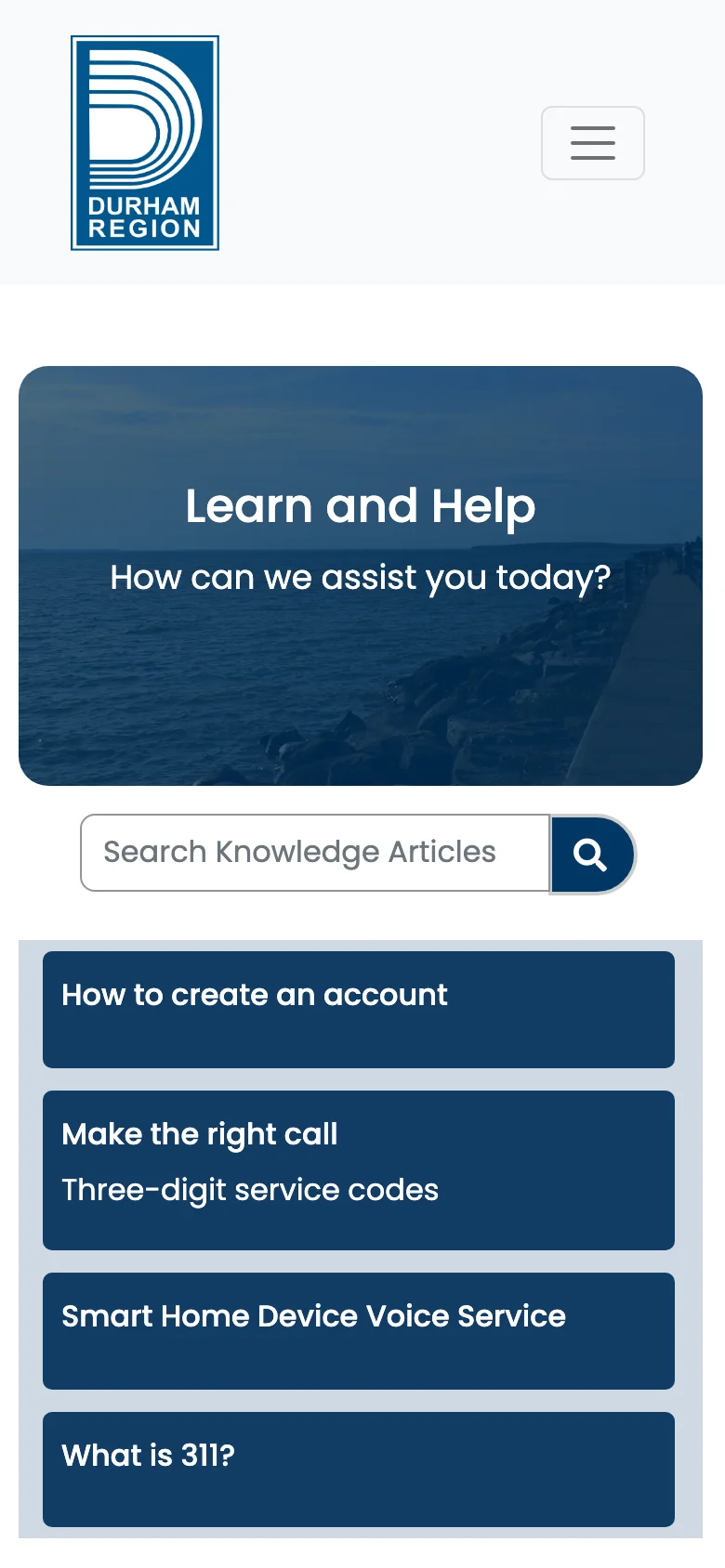
Help topics stack, guidance stays scannable. The same topics as desktop, one column, no separate mobile site.
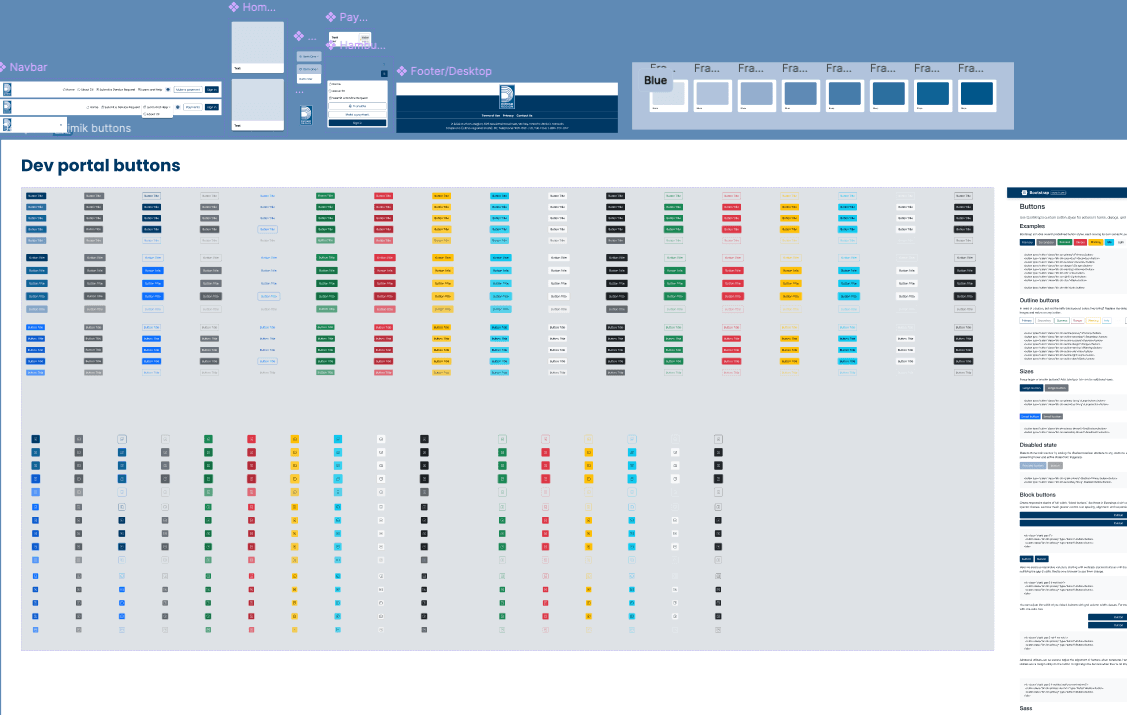
Buttons, nav states, footer patterns, and service modules were organized so the portal could scale without each new page becoming a custom layout problem.
The Durham Region work brings hierarchy, accessibility, responsive consistency, and task-first navigation into one more usable 311 experience.