Make contests feel fast, clear, and motivating.
Orbiiit needed a product experience that could support entertainment campaigns while still making voting and account actions easy to understand.
From discovering a contest to being part of it.
A mobile-first product experience connecting onboarding, voting, checkout, and sharing.
Orbiiit needed a product experience that could support entertainment campaigns while still making voting and account actions easy to understand.
The work covered onboarding, contest detail, voting states, checkout, result feedback, and reusable UI patterns for a growing product surface.
From the first search to the next contest, every part has a job. Scroll to follow the reasoning. Select a numbered marker to jump to a detail.
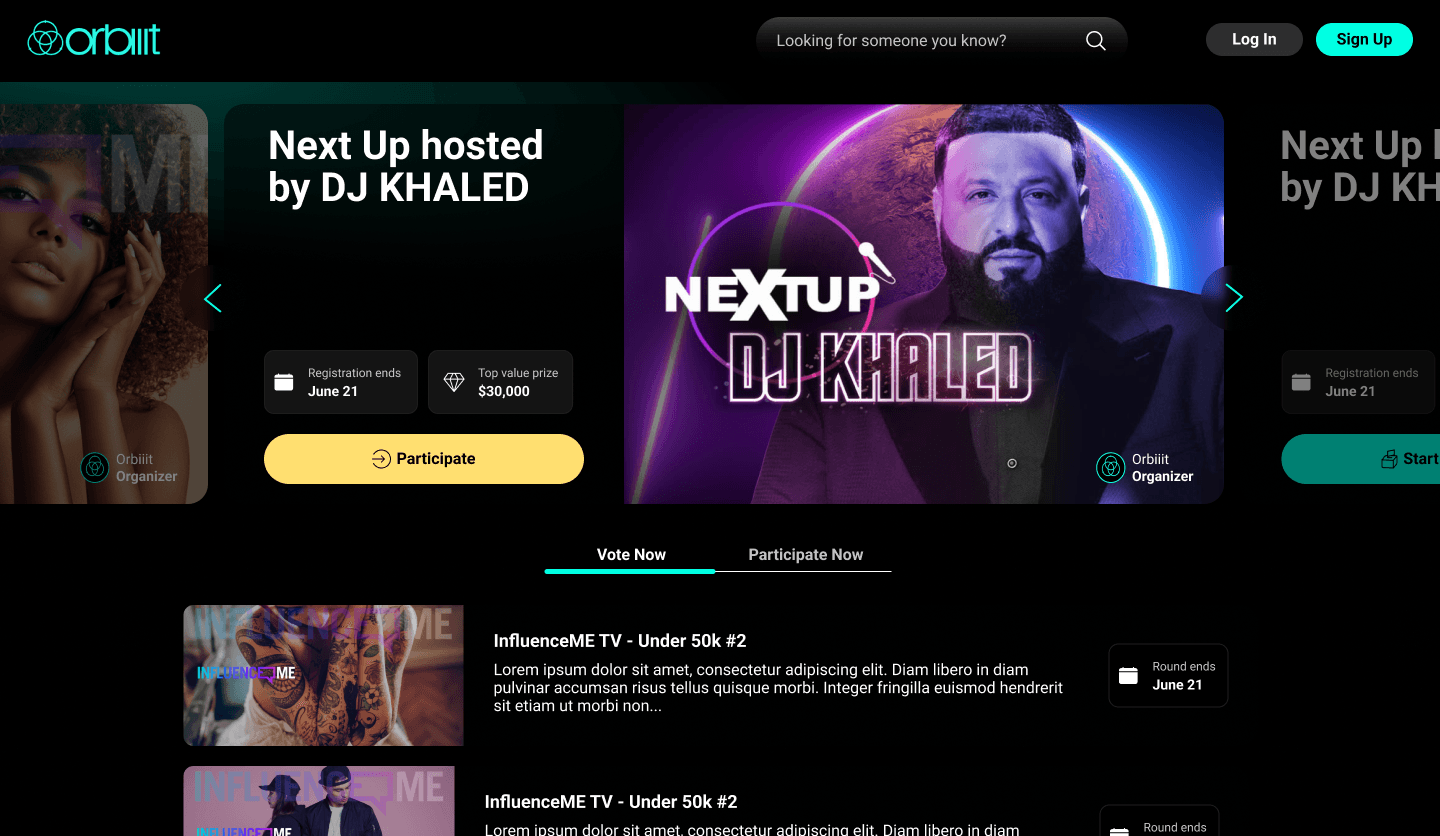
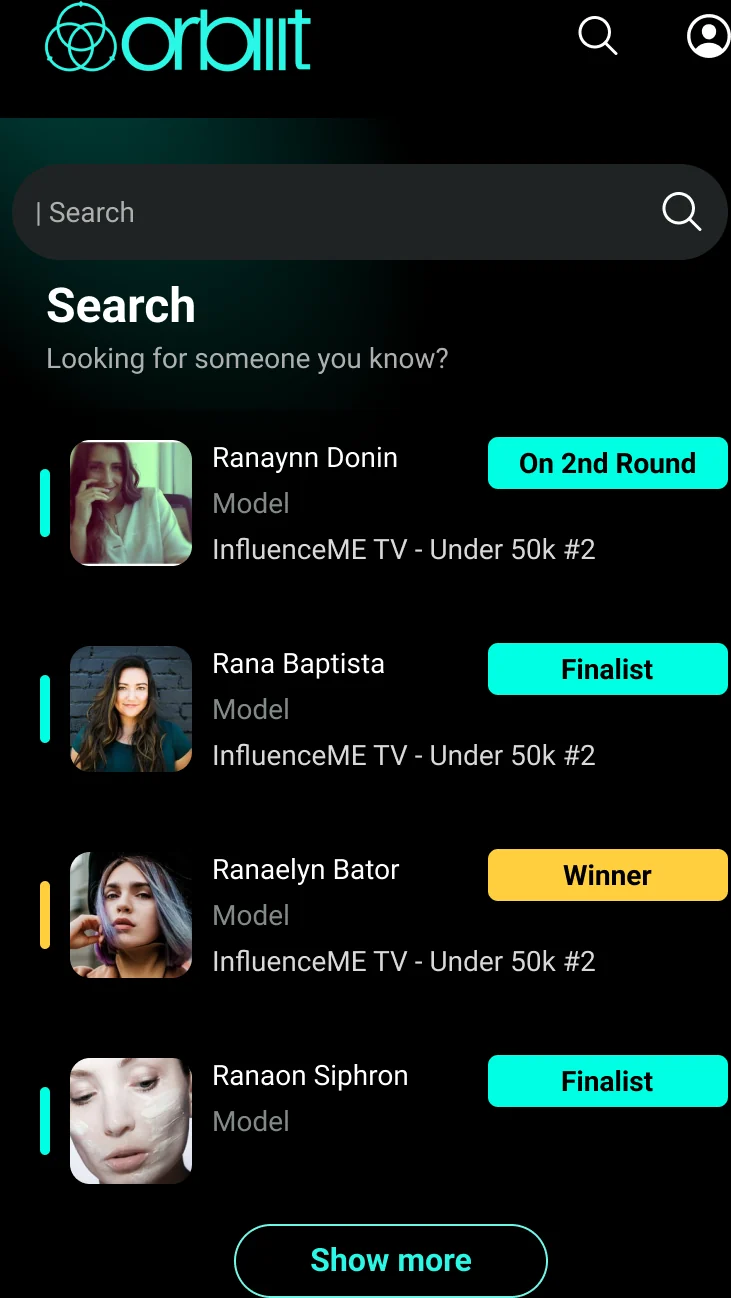
Search offers a direct route.
Already know who you came for?
Not every visit starts with browsing. The prompt, 'Looking for someone you know?', gives returning fans a direct path to a person. Log In and Sign Up sit separately on the right, keeping account access distinct from discovery.
What is this contest about?
The host's name, portrait, and campaign artwork occupy the same card, so the contest has an identity before the user reads the details. Visible edges of adjacent cards and arrow controls signal that there are other campaigns to explore.
Is it worth entering, and when?
Two compact tiles answer the practical questions beside the story: when registration ends and what the top prize is. Icons support written labels rather than replacing them, so the decision does not depend on interpreting a symbol.
What can I do next?
A wide yellow Participate button sits directly below the deadline and prize. Its contrast separates the main action from the dark campaign artwork, and the verb states what happens next. On this screen, yellow invites entry while teal marks navigation and selected states.
Am I here to vote or to enter?
Vote Now and Participate Now sit together between the feature campaign and the listings. The selected tab combines brighter text with a teal underline, making the current view visible without using color alone. The surrounding campaign context stays in place.
Which contest should I explore?
Each listing follows the same order: campaign image, title and summary, then a round-end date on the right. Keeping those elements in consistent positions lets someone compare contests without relearning the layout for every row.
Pick a question. See the screen that answers it.
10 more to reach place 3.
3 free votes today.
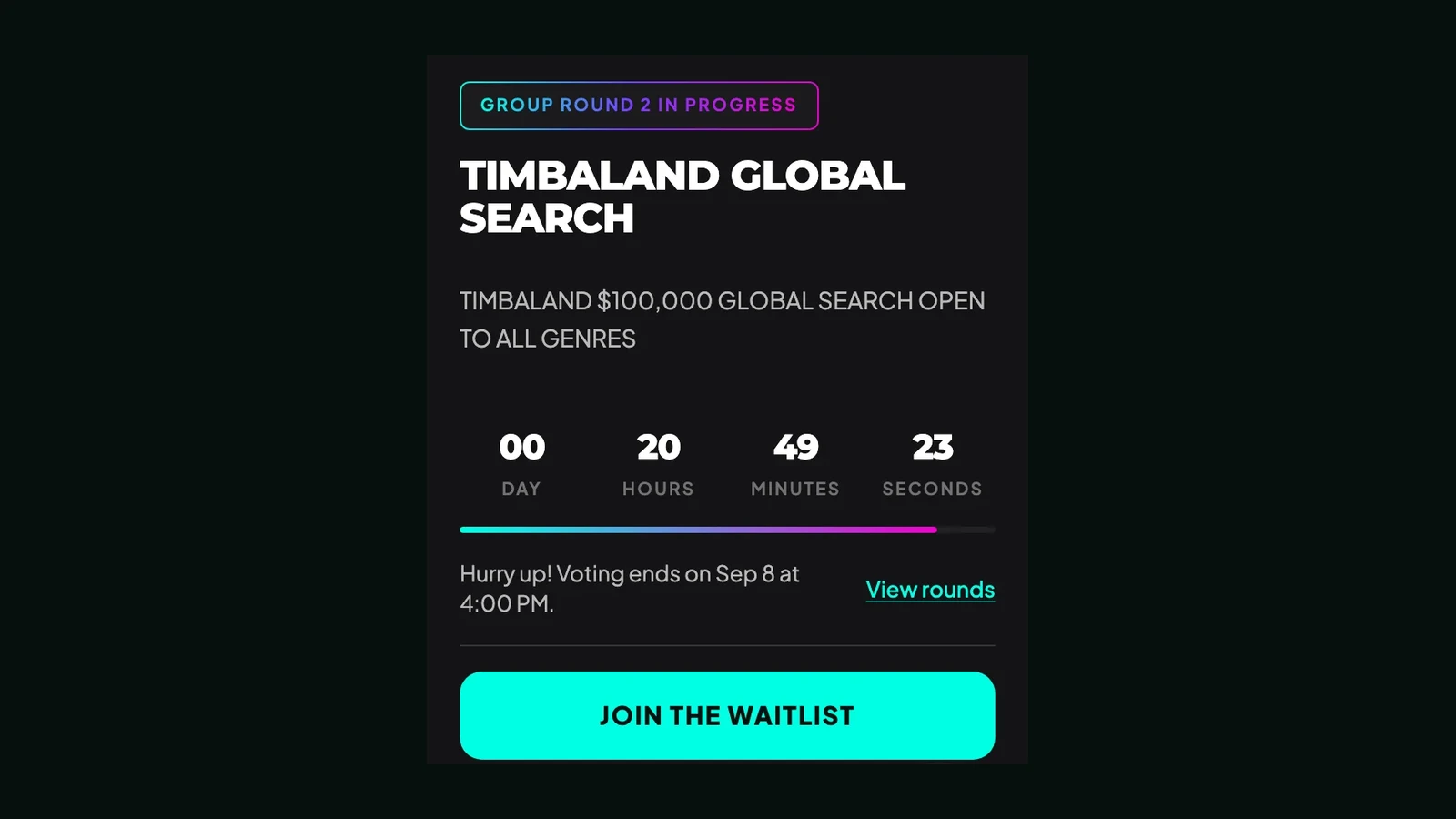
Round 2 closes in 02:14:09. No reminder set.
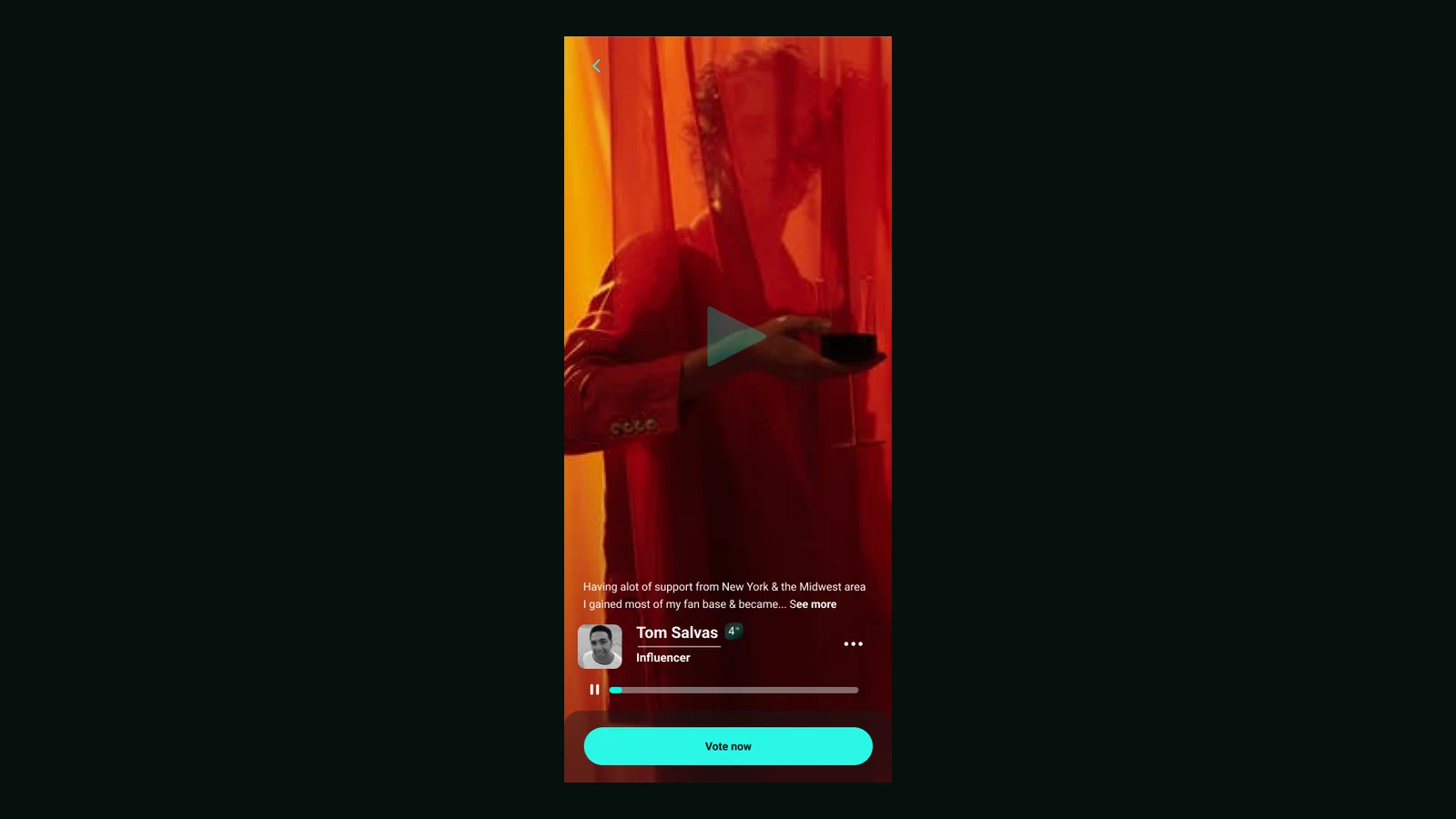
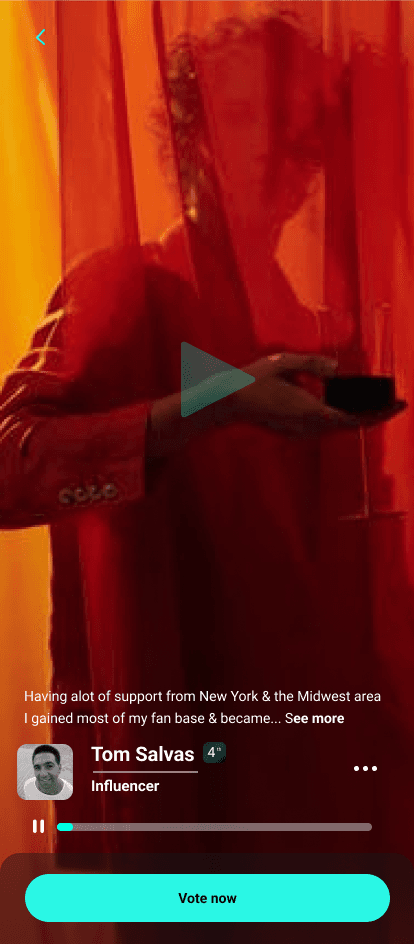
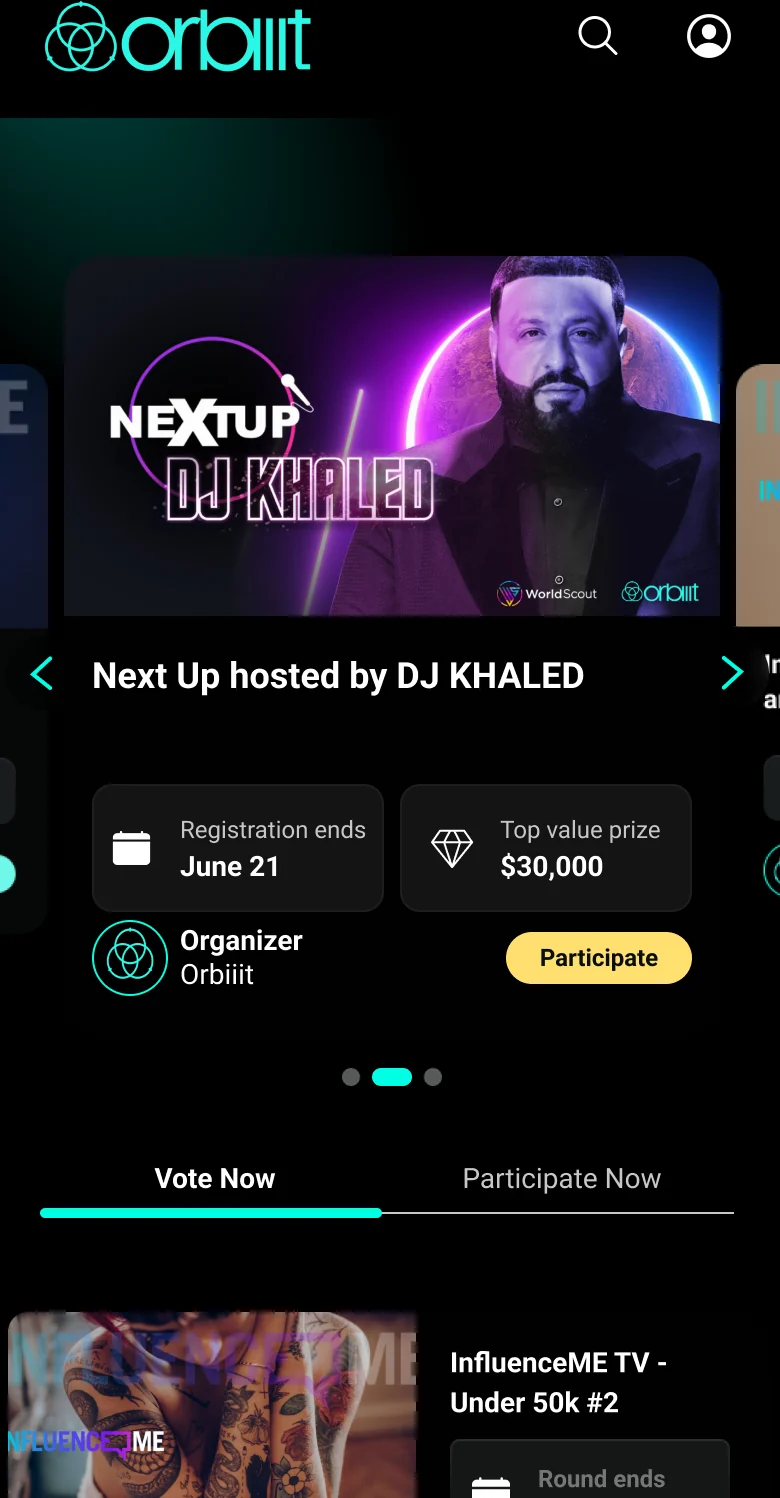
The mobile screens use full-bleed content, persistent voting controls, and compact profile cues so entertainment and utility can coexist.
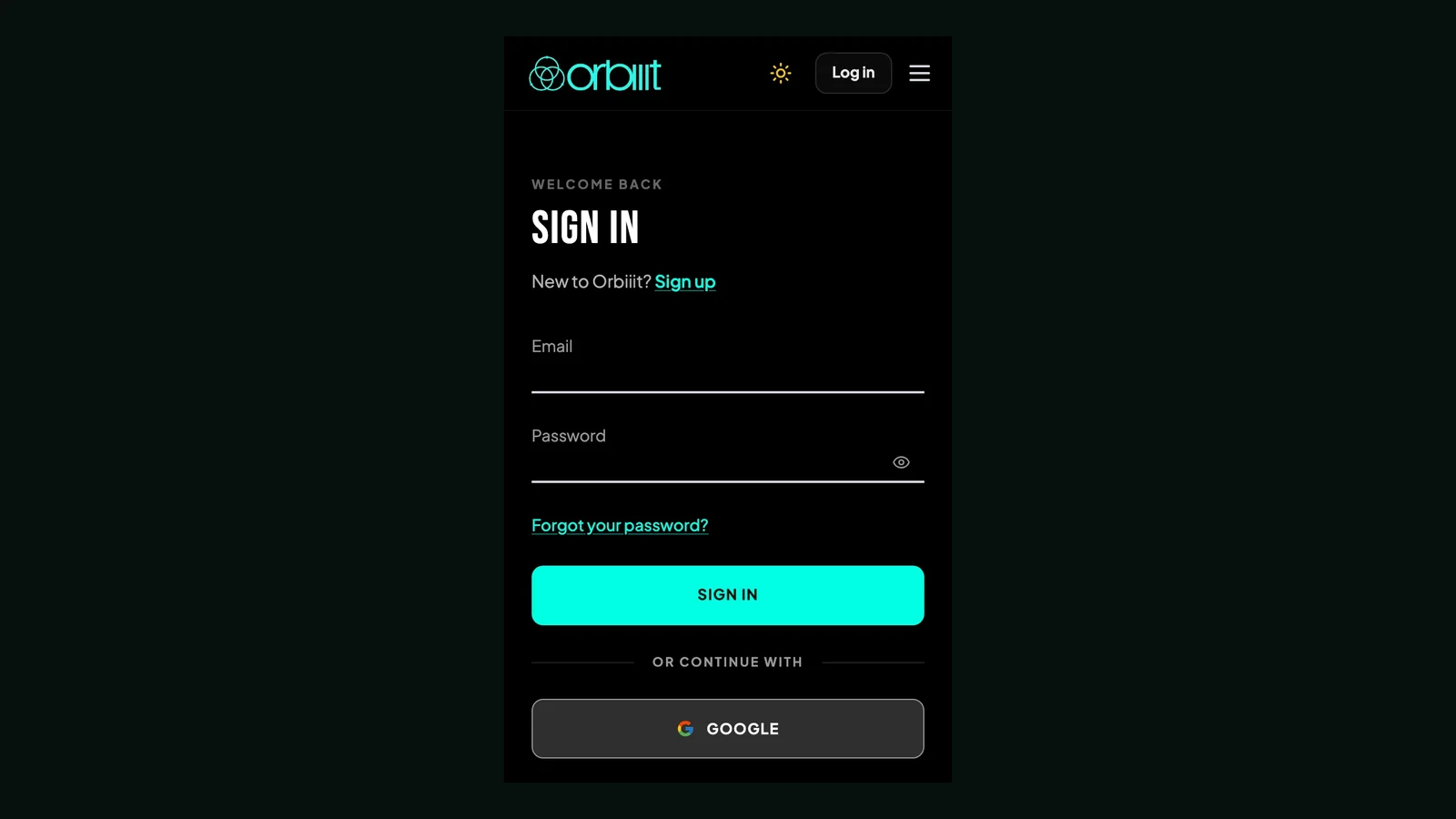
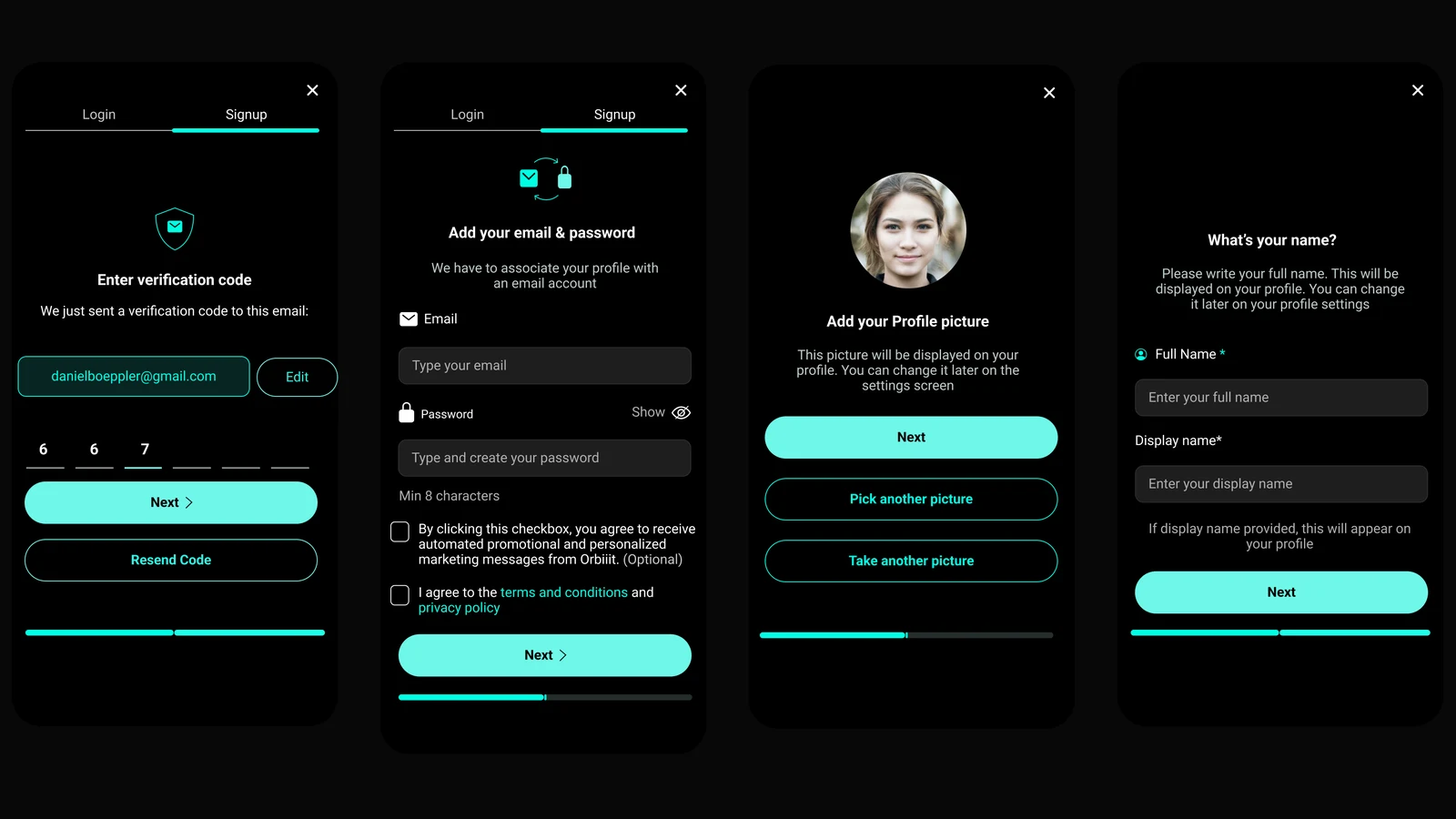
Instead of treating registration as one heavy form, the flow breaks trust, identity, credentials, profile photo, and name capture into smaller decisions.
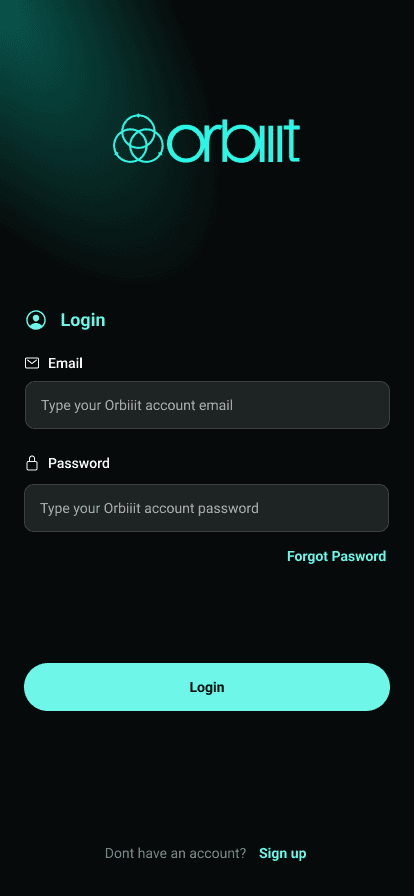
The dark surface uses a single accent for field focus, password recovery, and the primary action.
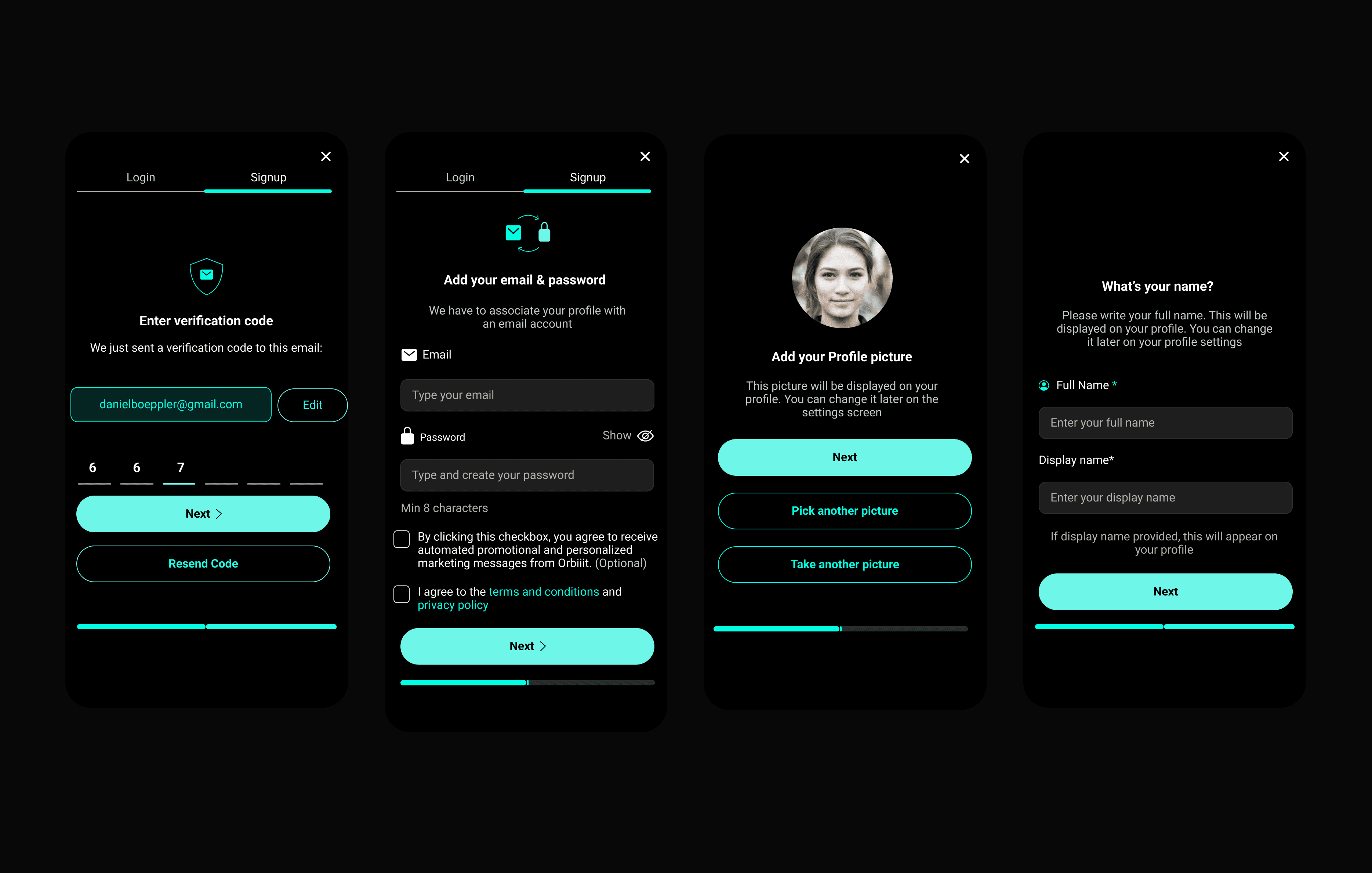
Verification, terms, profile setup, and identity fields are sequenced so the user always knows what comes next.
Fans bring the votes; contestants bring the story. Switch sides to see how the same product carries each of them from first look to the final round.
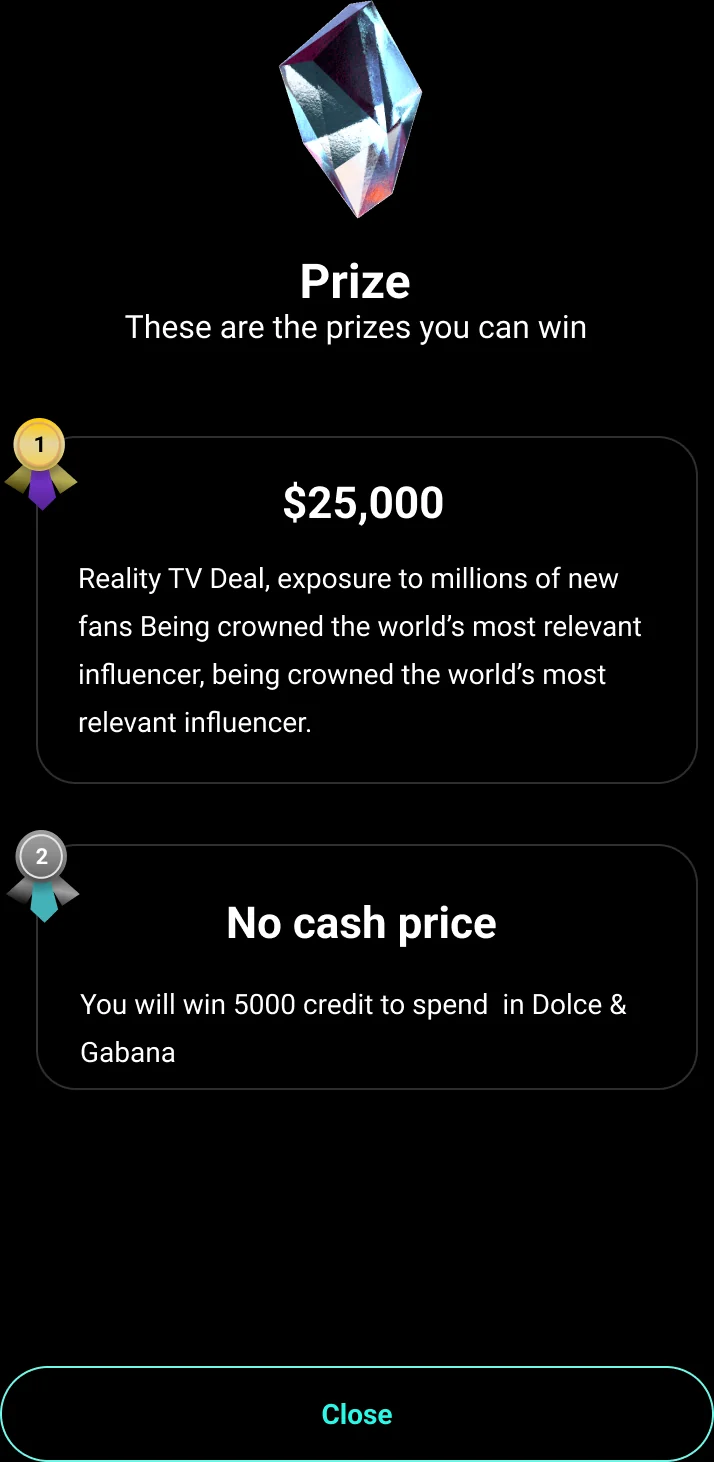
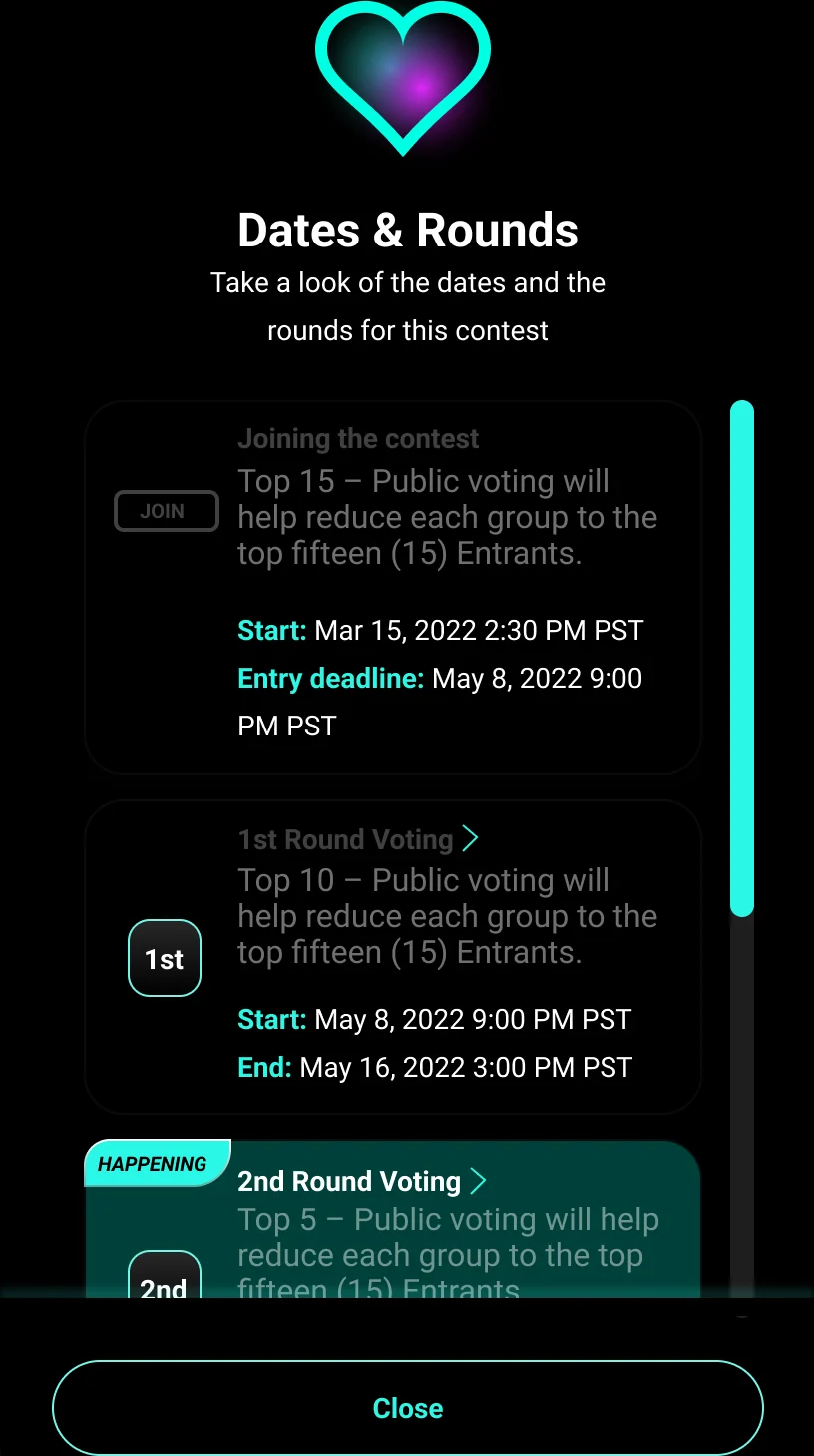
The fan side is built for momentum: find a contest, understand the stakes and the rounds, then vote, pay, and share without ever leaving the story.
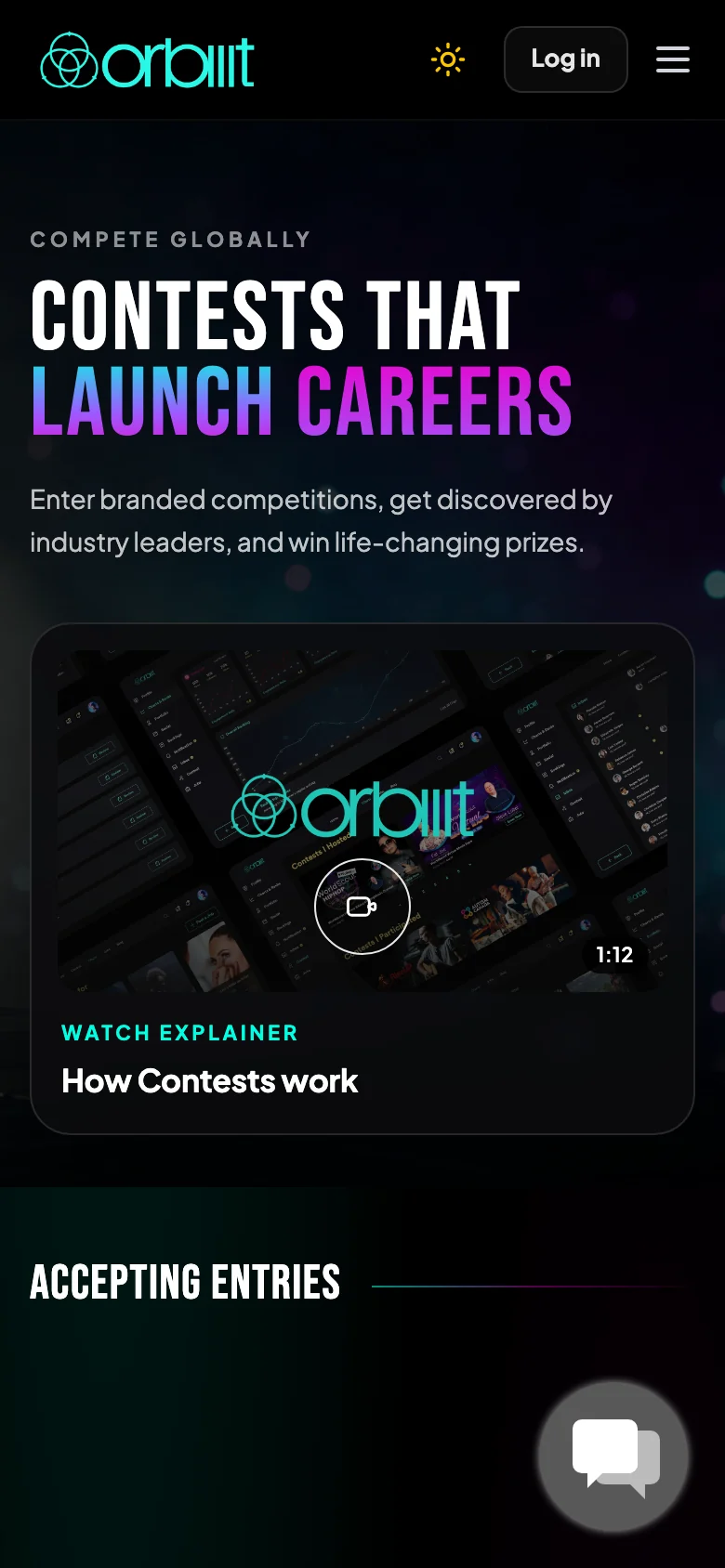 Live · Sep 2026
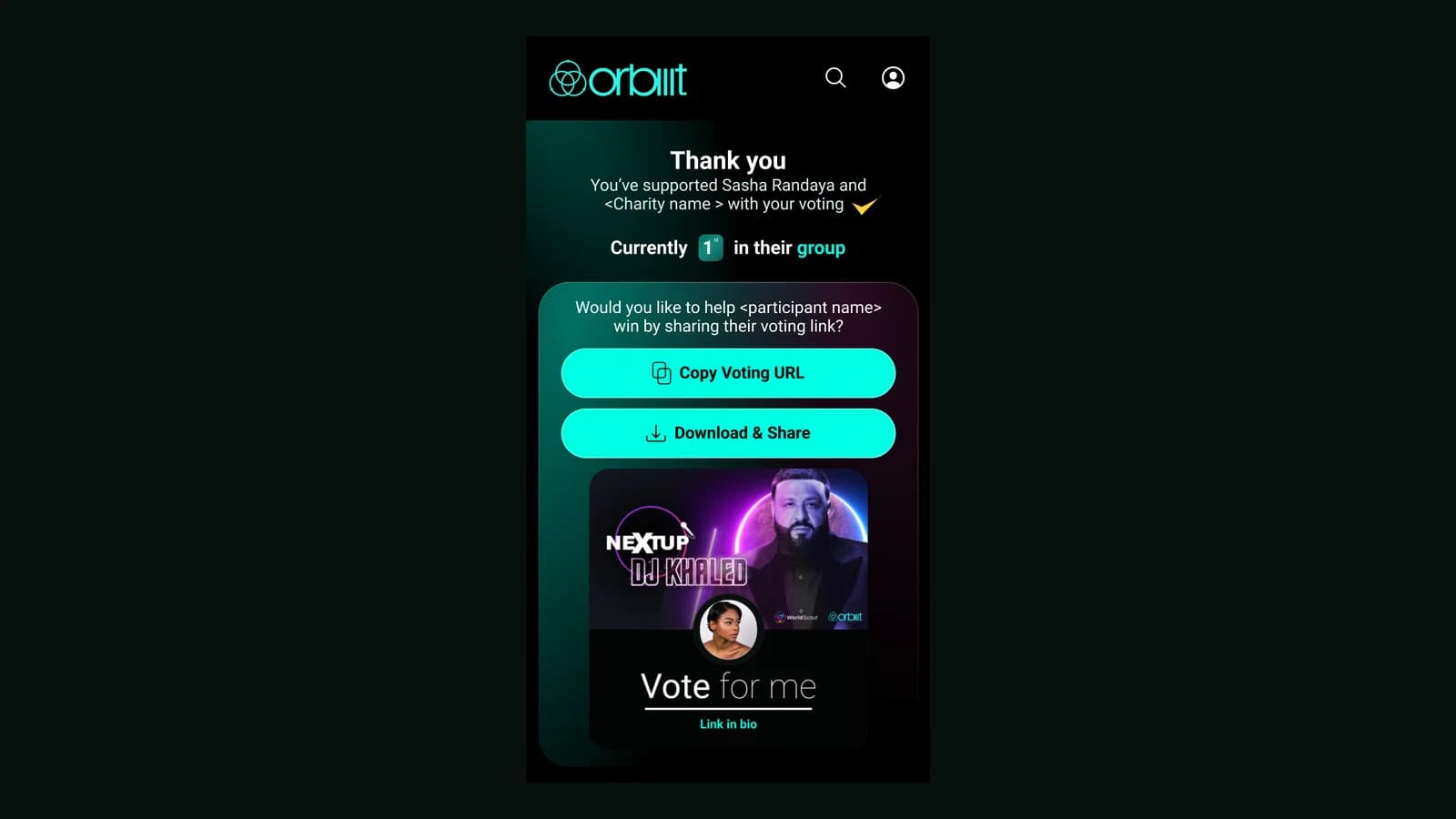
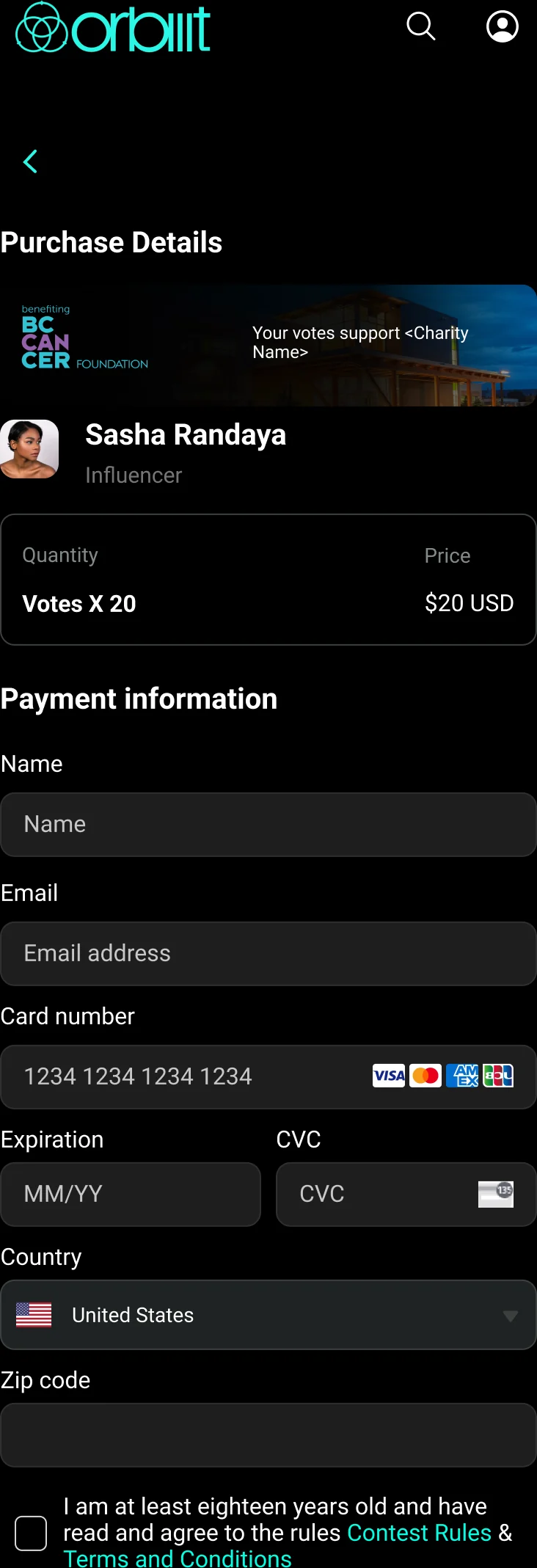
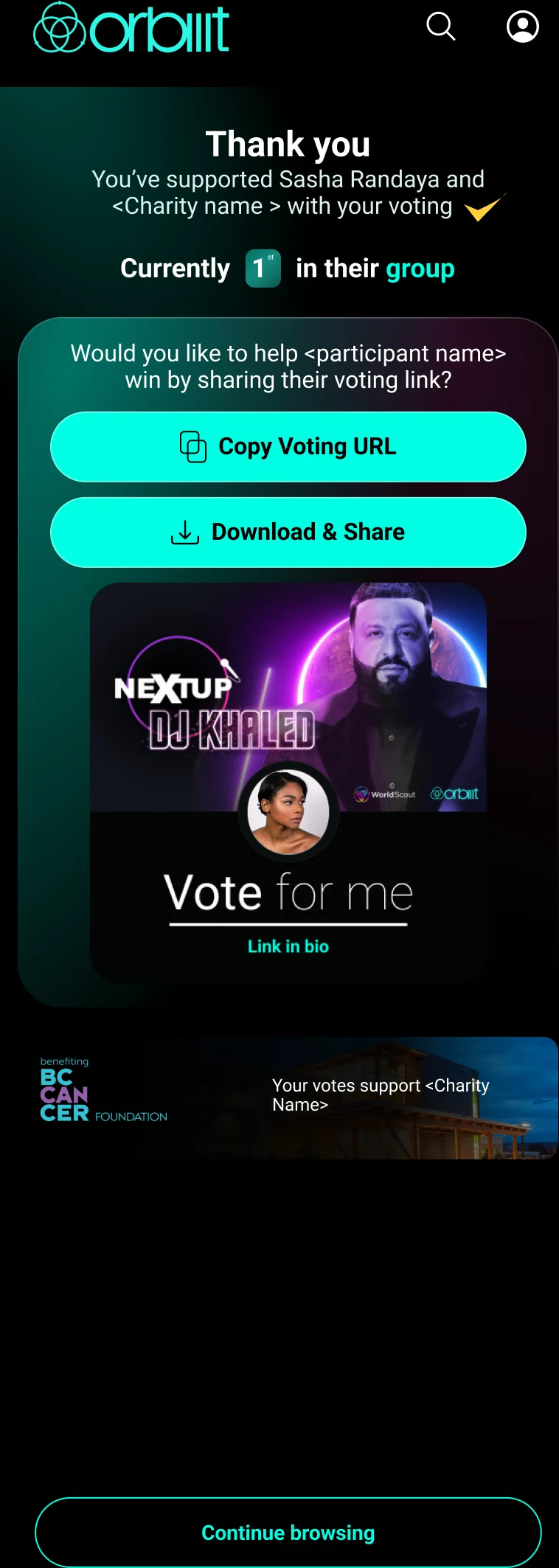
After voting, the interface supports purchase detail, confirmation, share prompts, and continuation instead of dropping users at a dead end.
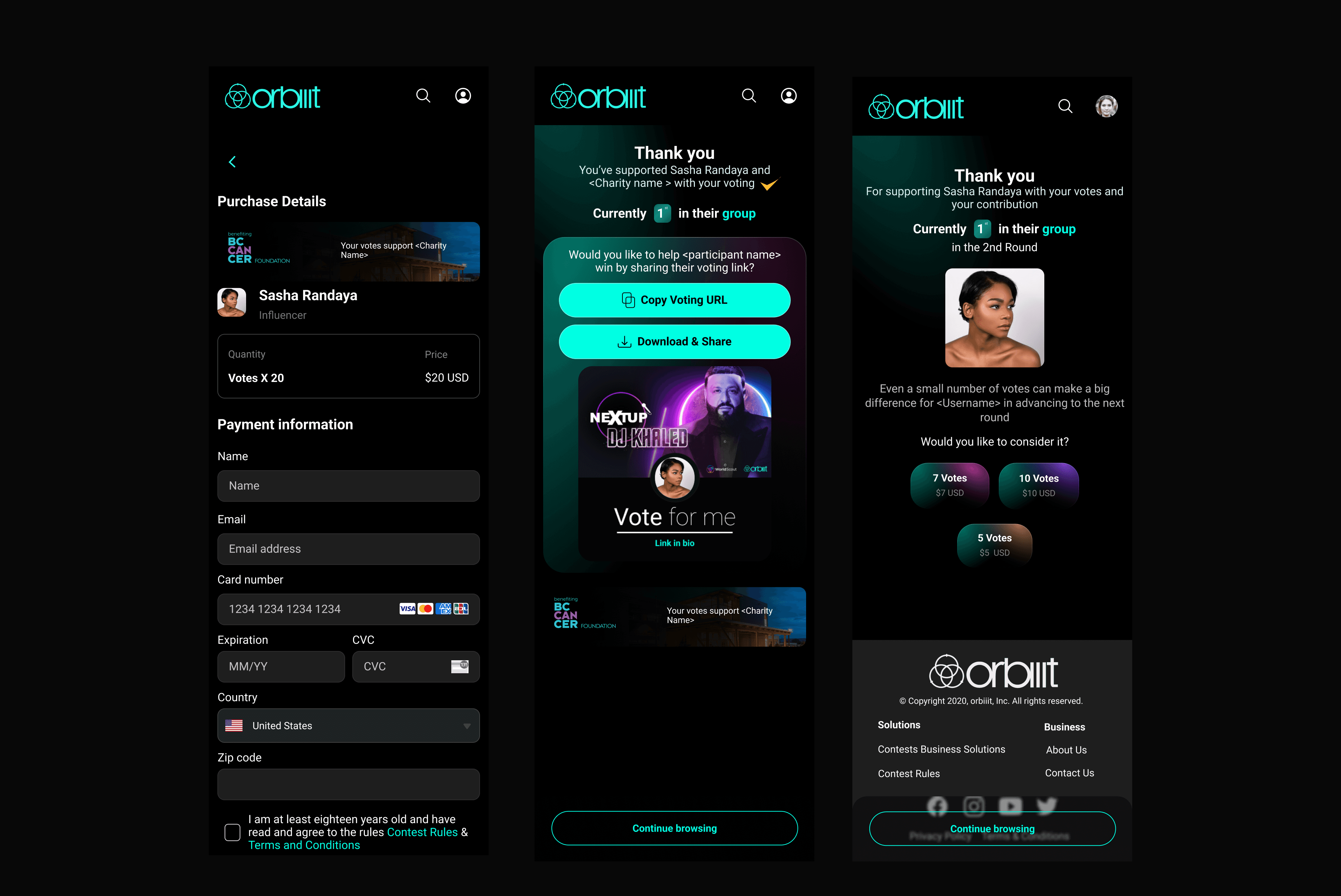
The product loop keeps users oriented after the transaction and gives them a clear reason to continue browsing.
Voting cards, top banners, buttons, rounds, pagination, progress bars, and desktop navigation were collected into a reusable visual system.
Explore the interactive library of tokens, contest components, voting flows, and screen templates built from this board.
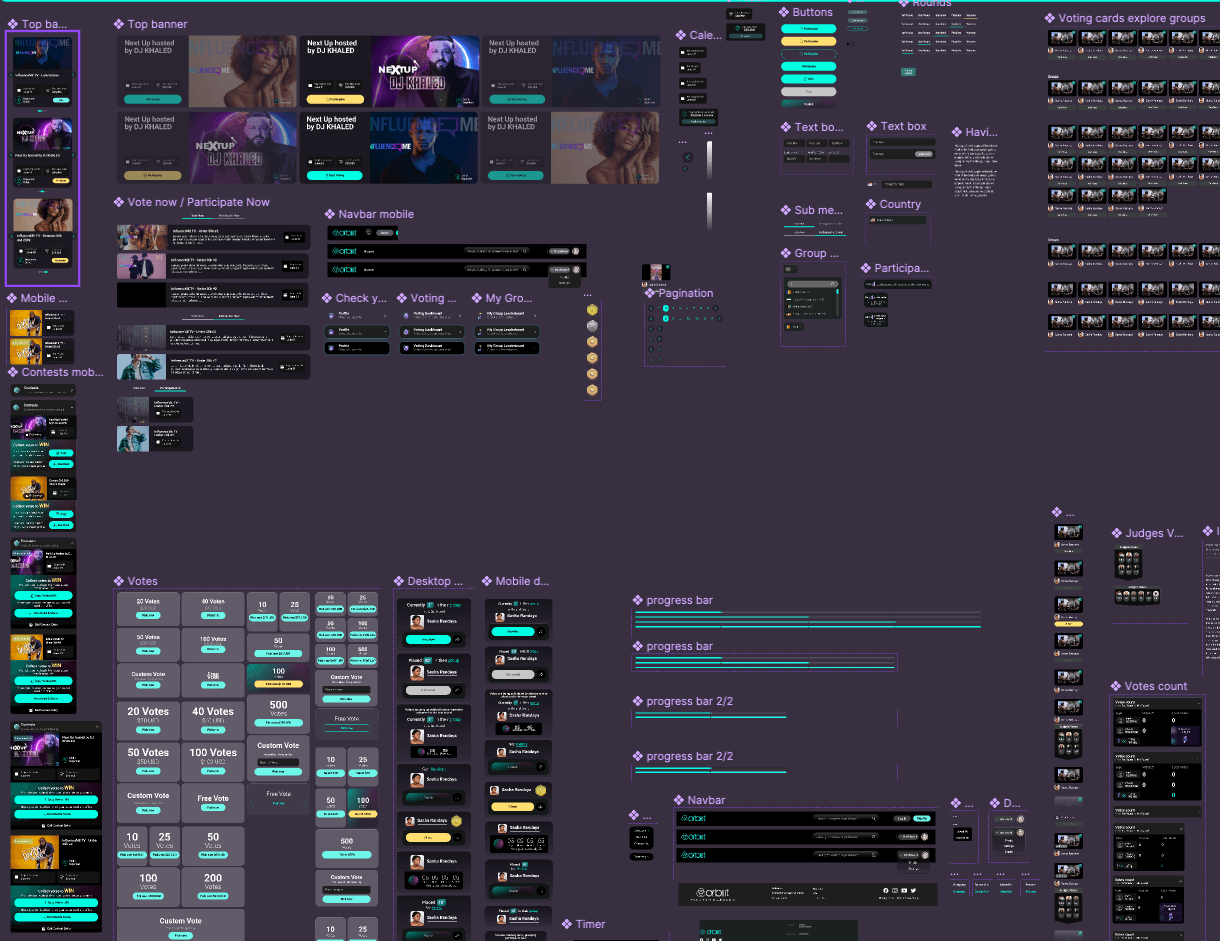
Orbiiit’s flows connect discovery, onboarding, voting, payment, and sharing into a more connected product journey, while preserving the brand’s high-energy visual language.