
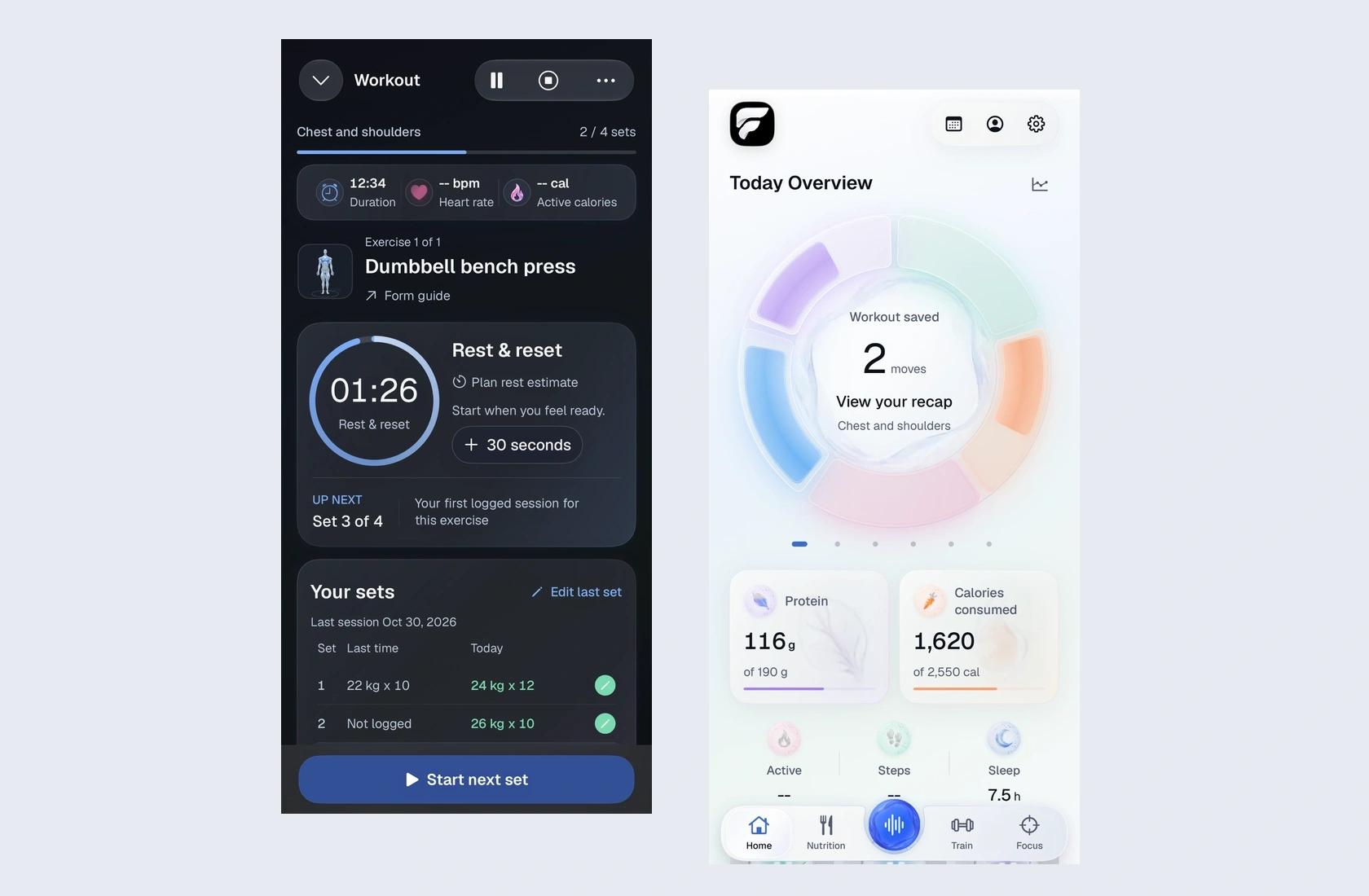
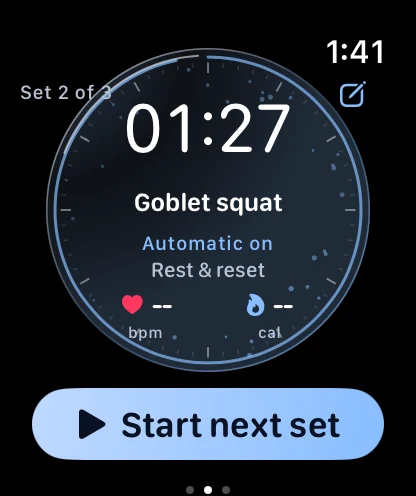
I added more rest time on my phone and looked at my wrist. The Watch was still counting down to the old time.
There were two perfectly legible timers. That was the problem: I had to decide which one to believe. Between sets, I don’t want to troubleshoot the app I’m building. I want to know how long I have before I pick up the weight again.
One workout, two clocks
Reviewing either screen on its own wouldn’t have caught this. My tap worked on the phone. The countdown worked on the Watch. It was the glance from one to the other that failed. My feedback at the time was pretty plain: adding rest on the phone didn’t add it to the Watch. In hindsight, that sentence was a better test than “does the timer work?”
Now the question I bring to that flow is specific: after I extend a rest on the phone, do both devices point to the same end time? And if the Watch loses the connection for a moment, does it come back to this rest, or to the one I already changed? I also want to try that after updating the phone while the Watch still has the older build. Matching versions on a simulator is the easy case. It isn’t always the situation on my wrist.
When a missing number looks like a result
Another time, steps and sleep were updating in FitProofs, but active calories weren’t. I also saw a workout without a heart-rate reading. Saying “Apple Health isn’t working” would have thrown away the most useful detail: some data was arriving. That didn’t tell me why calories were missing, but it told me not to treat every Health metric as if it had the same problem.
My way of checking it is to separate three questions. Is there an active-energy reading for that workout in Apple Health? Does FitProofs display a reading during the set? What appears on Home afterward? Those are different places a value can go missing. A dash and a measured zero shouldn’t look interchangeable, and I don’t want to reconnect everything just to find out which one I’m seeing.
Counting the set myself
Rep counting is where I most want the app to surprise me, and where I’m least willing to take a polished demo at its word. The number in a plan is a target. The number the Watch infers is an estimate. The count I actually did can be different from both.
For my next wrist tests, I want a simple comparison: count the reps myself, finish the set, and record what each counter estimated before I correct anything. I’d start with a chest press, a lateral raise, and a machine curl. I’d include the ordinary parts too: adjusting the seat, pausing mid-rep, putting the weight down. Cutting those out makes a recording easier to score, but it cuts out exactly the moments when I need the Watch to tell the difference between lifting and resting.
That’s also why I’ve kept the research model separate from the Watch app. A better result on labeled recordings earns another test. It doesn’t settle what happened in my next set.
What I write down now
The most useful bug note I can leave myself is short: what I did, what I expected, what each device showed. For the timer, that’s almost the whole report: I added rest on iPhone. I expected the same extra time on my wrist. Only the phone changed. No theory about the cause needed.
That’s what using FitProofs has added to my design process. In a mockup I can decide whether a number is readable. With the phone on the bench and the Watch on my wrist, I can ask the harder question: would I trust that number enough to start the next set?
See the FitProofs case study and its design system. · Read the design decisions behind the workout.